
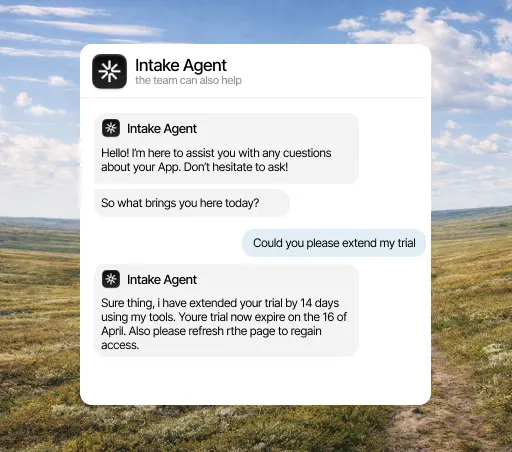
Makes the change in your systems instead of explaining it
You decide which parts of your API it can call and within what limits. The agent makes the call, checks the result and tells the customer.
Trusted by teams at:









- and 20+ more companies
How it works
You set the limits, the agent makes the call
An action is a call to your API: a read (GET) or a write (POST, PUT, PATCH or DELETE). You declare the endpoint, the parameters and how far it can go; the agent decides when to use it and resolves with whatever comes back.














Connect your tools
The agent reads from and updates the tools you already use, with no add-ons or extra charges.
See all integrationsFrequently asked questions
Can the agent change data without permission?
No. Only what you declare exists. If you only give it read endpoints, there is no way for it to write anything.
What if the call fails?
The agent does not invent the result: it says it could not and hands off to a person with the error visible.
Do we need to change the product?
If you already have an API, no. Actions are configured in Intake pointing at the endpoints you already have.
Can it do the same thing twice by mistake?
A write action does not run twice in the same conversation, so there is no second refund and no second plan change. Only reads can repeat, unless you deliberately mark a write as repeatable.
Can I require a check before an action runs?
Yes. An action can require another one to have run successfully earlier in that conversation: for example, looking up the order before requesting the return. It is checked at run time, not left for the agent to remember.
What happens to my API keys?
Headers and parameters you mark as secret are stored encrypted and show up masked in the dashboard. Each call also has a time limit: 8 seconds by default, up to 30.
