
When it acts
- When someone on your team sends a support ticket to Asana
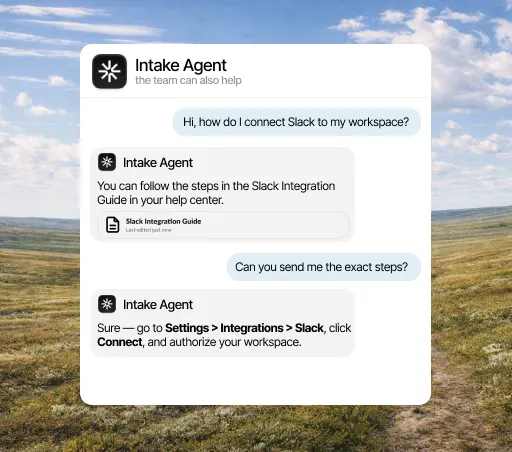
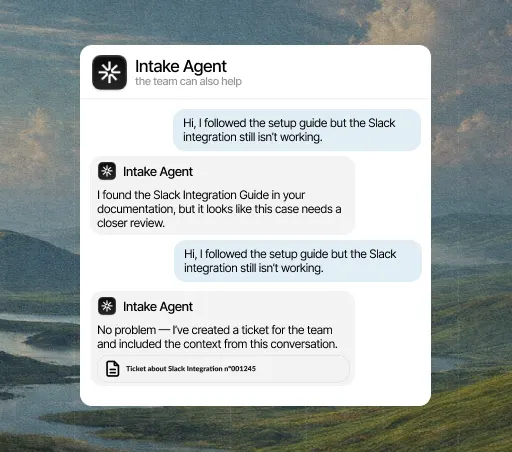
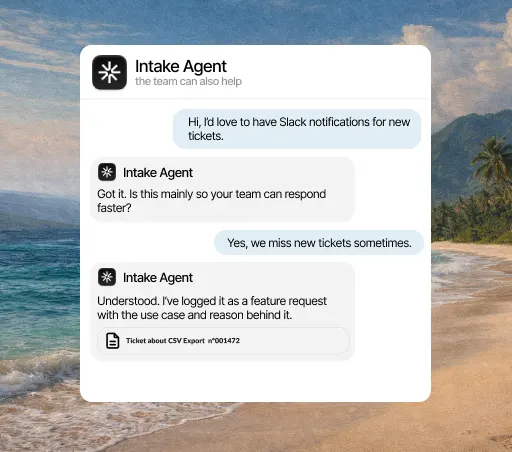
When Intake can’t resolve a question on its own, it creates an Asana task with everything about the case, so nobody has to copy and paste messages.
What it solves
When a conversation needs someone to do something, the usual routine is to open Asana, create the task and summarize by hand what just happened, and half of it always gets lost in that summary. The agent creates the task with the conversation inside, so whoever receives it understands the case without going back to the inbox.
What it solves
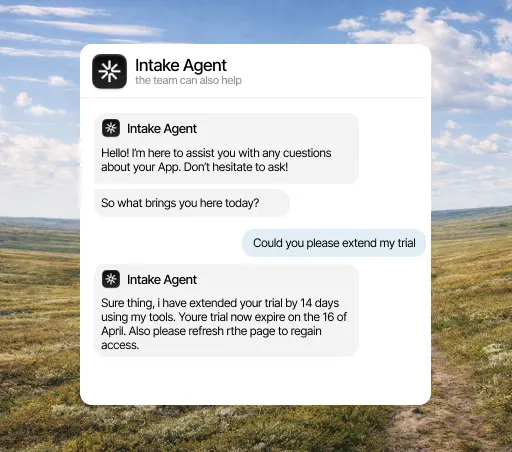
Between "we’ve passed it to the team" and the fix there’s usually a silence, and that’s where patience runs out. With Asana connected, when the task moves forward the agent can say so in the original conversation, and the customer stops writing every three days to ask how their case is going.
What it solves
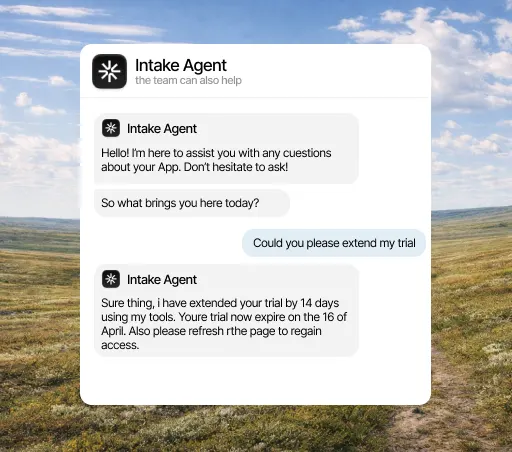
The cases that need internal work are the ones most likely to fall between two teams, because they sit in an inbox only support looks at. Turned into a task with an owner and a due date, they show up where the team already looks every day.
What it does
What counts in an integration is what it lets the agent do. This is the data Asana brings and what the agent does with it on its own.
When it acts
What it can do
Three concrete things that change your team’s day.
The Asana task includes the problem, the affected user and what Intake has already checked.
Your channels stop filling up with requests. Intake sends each request, already organized, to your Asana board.
When the task moves forward, Intake can let the customer know.
Three steps, and only the first needs a Asana admin. You can change the rest later without reconnecting anything.
Open the integrations panel, pick Asana and authorize access with the account your team already uses. You need admin rights in Asana, so if you don’t have them, this is the only step you’ll have to ask someone for.
Select the channels, events and account fields it can access. Anything you don’t select stays hidden from it, and you can change it anytime without reconnecting.
From the first conversation, the agent checks that data before replying, resolves what it can close on its own and hands the rest to a person, with the case already prepared.
A few minutes. You authorize access and choose what it can see; nothing needs rewriting and no development work is needed to start.
Yes, from either side: by revoking the connection in Intake or removing the permission in Asana. The agent stops reading that data right away and keeps answering with everything else.
No. Every integration is included in the plan, from €49 a month. There are no add-ons to buy and no per-call charges.
The agent answers with what it does have and, if the question depended on that data, hands the conversation to a person and explains why. It never makes up data it couldn’t look up.
Both. You can set rules in Intake to create tasks, or create them manually from the inbox.
Yes. Intake shows the progress of the linked task right in the customer’s original conversation.