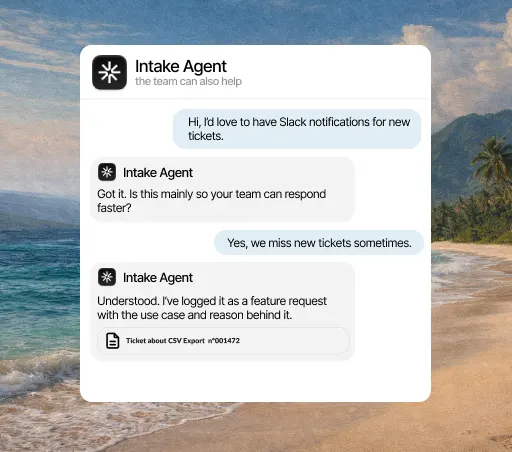
When it acts
- When a new ticket comes in
- When the AI isn’t confident enough in its answer
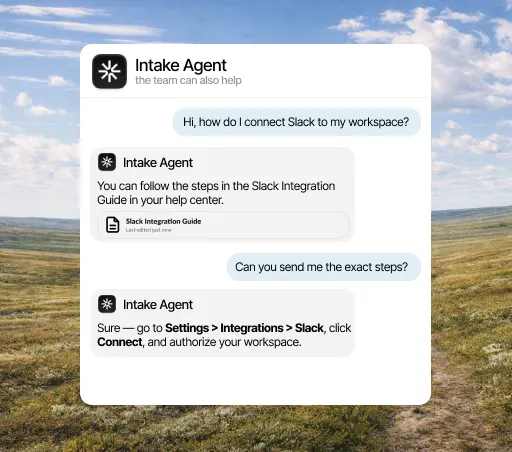
Intake answers first: it checks the account, takes the action and, if a person is needed, leaves the complete ticket in your Zendesk.
What it solves
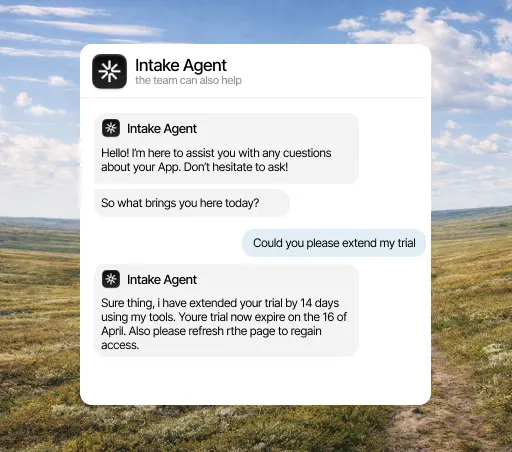
Every Zendesk queue has tickets that get the same answer every week. The agent picks them up as they arrive, checks the plan and permissions of the person asking, and closes them. Your team stops starting the day with twenty conversations it already knows the ending of.
What it solves
The triggers, views and service level agreements you set up in Zendesk aren’t touched. The agent acts before the ticket reaches the queue and, when it hands a conversation to a person, follows the assignment rules you already had. There’s no configuration to redo to try it.
What it solves
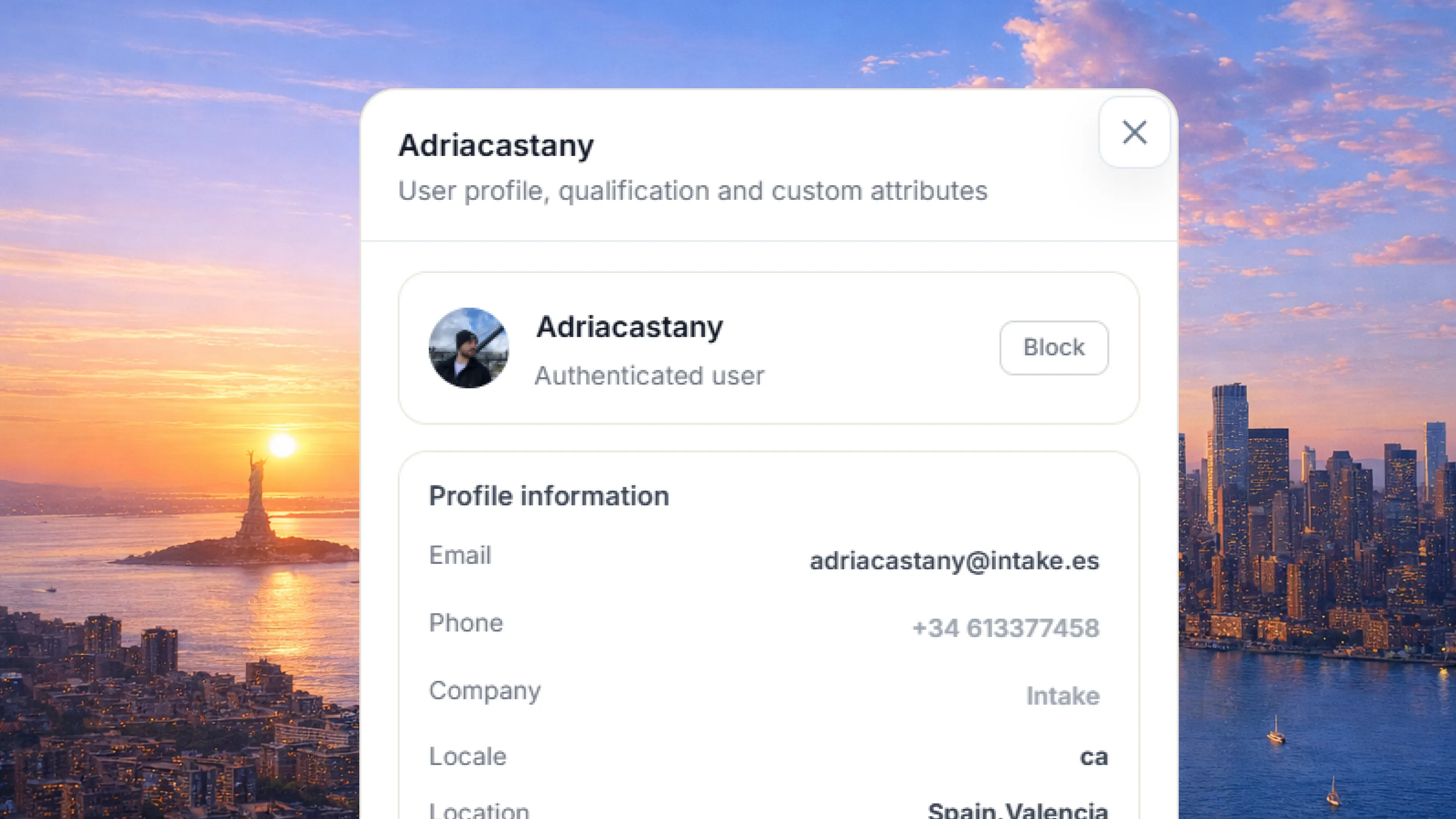
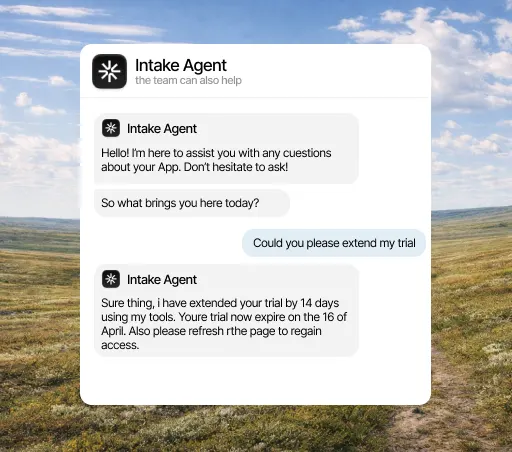
Answering "why was I charged this?" in Zendesk usually means opening the billing panel in another tab, finding the customer and coming back. The agent looks up that data through your API before replying, so nobody has to switch, neither the agent nor the person who picks up the case.
What it does
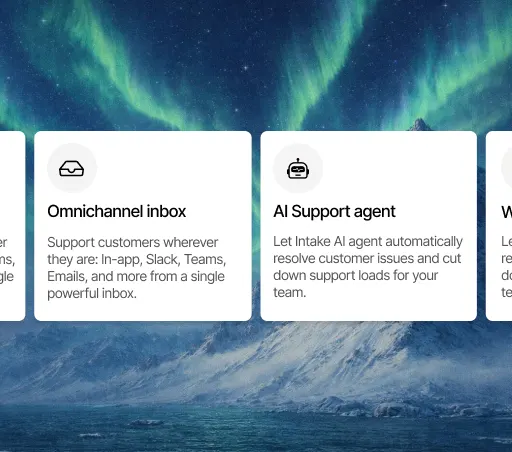
What counts in an integration is what it lets the agent do. This is the data Zendesk brings and what the agent does with it on its own.
When it acts
What it can do
Three concrete things that change your team’s day.
Intake checks invoices or plans through your API and resolves the question, instead of just opening a Zendesk ticket.
The repeat questions Intake resolves don’t clutter your team’s view.
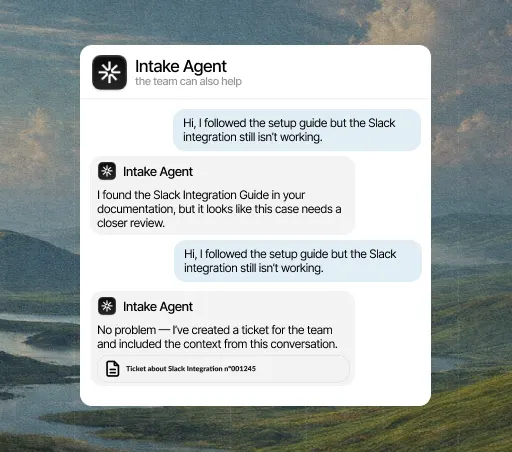
If a person needs to step in, the ticket appears in Zendesk with everything Intake already tried.
Three steps, and only the first needs a Zendesk admin. You can change the rest later without reconnecting anything.
Open the integrations panel, pick Zendesk and authorize access with the account your team already uses. You need admin rights in Zendesk, so if you don’t have them, this is the only step you’ll have to ask someone for.
Select the channels, events and account fields it can access. Anything you don’t select stays hidden from it, and you can change it anytime without reconnecting.
From the first conversation, the agent checks that data before replying, resolves what it can close on its own and hands the rest to a person, with the case already prepared.
A few minutes. You authorize access and choose what it can see; nothing needs rewriting and no development work is needed to start.
Yes, from either side: by revoking the connection in Intake or removing the permission in Zendesk. The agent stops reading that data right away and keeps answering with everything else.
No. Every integration is included in the plan, from €49 a month. There are no add-ons to buy and no per-call charges.
The agent answers with what it does have and, if the question depended on that data, hands the conversation to a person and explains why. It never makes up data it couldn’t look up.
Yes. If Intake resolves the request right away with an action, it can mark the ticket as resolved in Zendesk so your reports stay accurate.
Yes. Intake handles the repeat questions, and your team keeps answering the complicated cases from Zendesk.