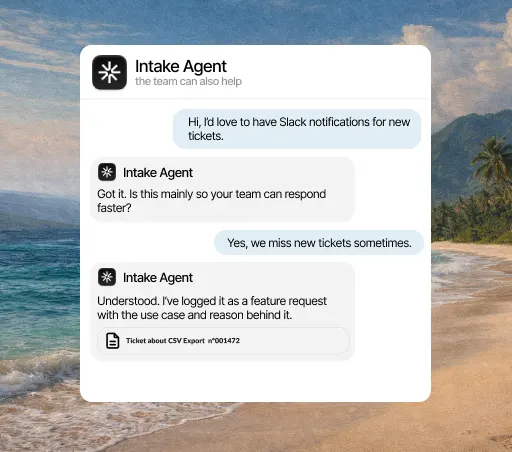
Where to set it up
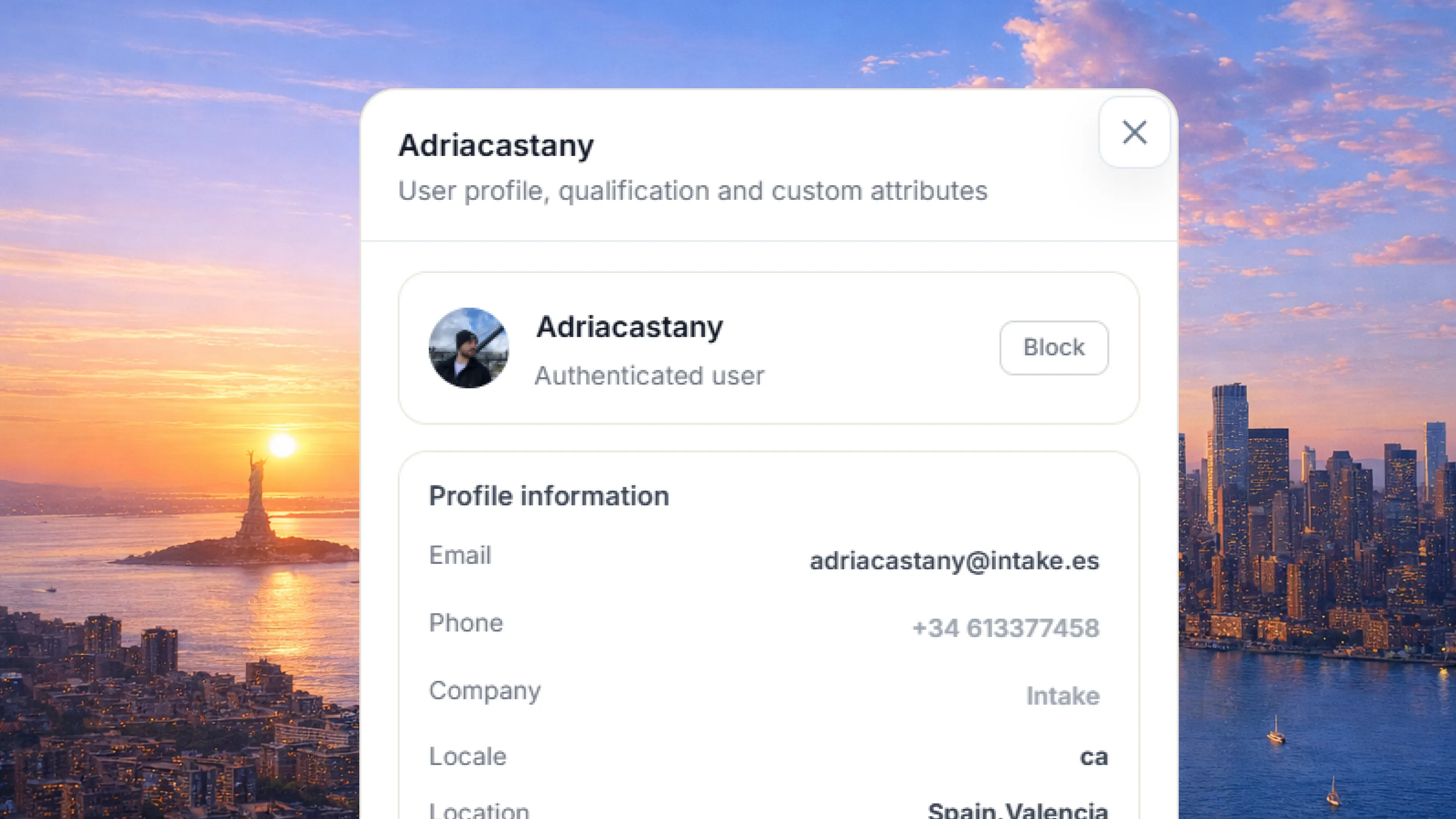
- Settings → Developers, in app.intake.es
- Generate the MCP server credential
- Choose what the connected client can read and do
Model Context Protocol is the standard a model uses to talk to external tools. Intake runs its own MCP server: any compatible client can read conversations, search the knowledge base and trigger actions with the credentials and permissions you define.
What it solves
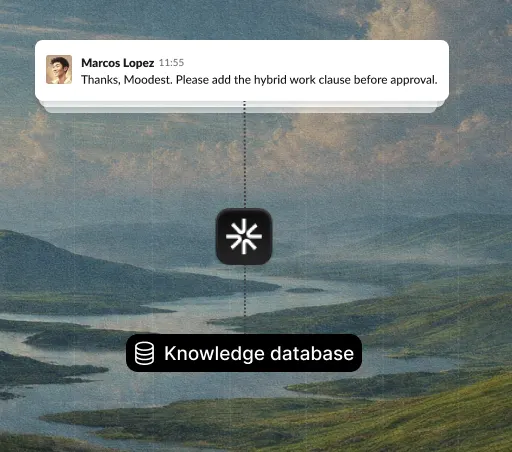
What support learns (what people ask, how it was solved, what breaks most) rarely leaves the support tool. With the MCP server, your models and agents can work with it like any other source, without exporting anything or building a copy.
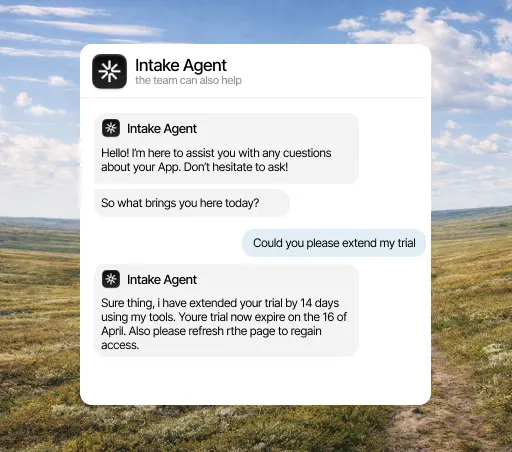
What it solves
Every custom integration is a contract someone has to maintain whenever it changes. MCP is an open protocol your tools already understand, so connecting Intake is close to plug and play. And what you learn carries over to the next system you connect.
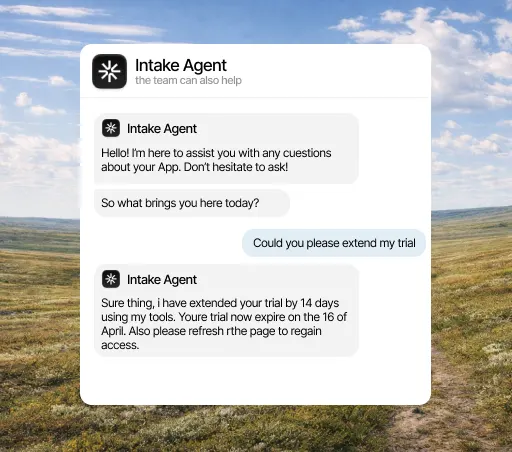
What it solves
Opening support conversations to a model is a decision you need to be able to limit. The server offers what you enable and nothing else, and you can shut it off from your side without depending on anyone. You can start with public knowledge and expand later.
What it does
What counts in an integration is what it lets the agent do. This is the data MCP brings and what the agent does with it on its own.
Where to set it up
What it offers
Three concrete things that change your team’s day.
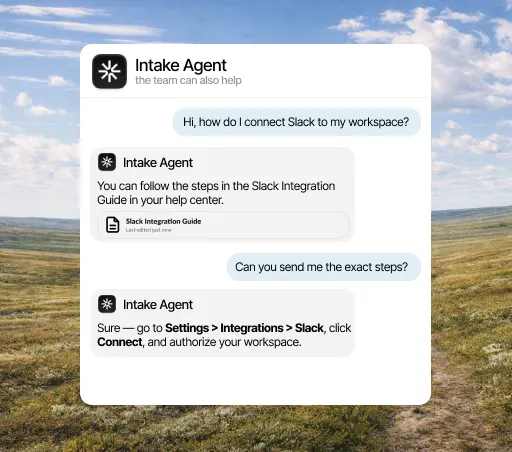
If you already have your own agent, you don’t need to migrate it: it connects over MCP and works with the conversations and knowledge you already have in Intake.
The credential defines what the connected client can read and run. You set the scope when you create it.
Because it’s MCP, any compatible client works. You don’t have to write an adapter for each tool you want to connect.
Three steps, and only the first needs a MCP admin. You can change the rest later without reconnecting anything.
Open the integrations panel, pick MCP and authorize access with the account your team already uses. You need admin rights in MCP, so if you don’t have them, this is the only step you’ll have to ask someone for.
Select the channels, events and account fields it can access. Anything you don’t select stays hidden from it, and you can change it anytime without reconnecting.
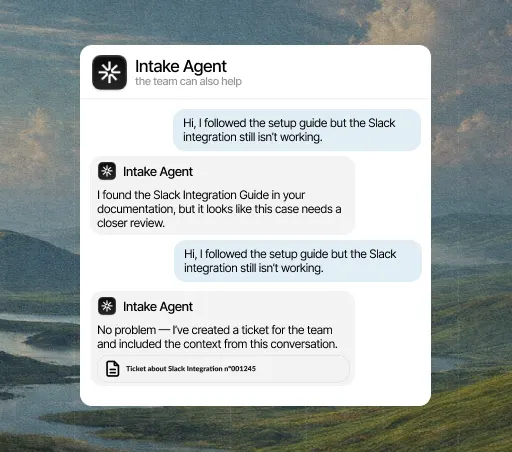
From the first conversation, the agent checks that data before replying, resolves what it can close on its own and hands the rest to a person, with the case already prepared.
A few minutes. You authorize access and choose what it can see; nothing needs rewriting and no development work is needed to start.
Yes, from either side: by revoking the connection in Intake or removing the permission in MCP. The agent stops reading that data right away and keeps answering with everything else.
No. Every integration is included in the plan, from €49 a month. There are no add-ons to buy and no per-call charges.
The agent answers with what it does have and, if the question depended on that data, hands the conversation to a person and explains why. It never makes up data it couldn’t look up.
Model Context Protocol is an open standard that lets a language model use external tools. Instead of writing one integration per model, you offer an MCP server and any compatible client can use it.
It offers its own: your agent or MCP client connects to Intake. The credential and its scope are generated in Settings → Developers.
Yes. When you create the credential you choose what it can read and which actions it can trigger. Anything you don’t enable stays out of reach.