
Messages that reach customers before they have to ask
Send notices and surveys to customers when their account data shows they need help.
Trusted by teams at:









- and 20+ more companies
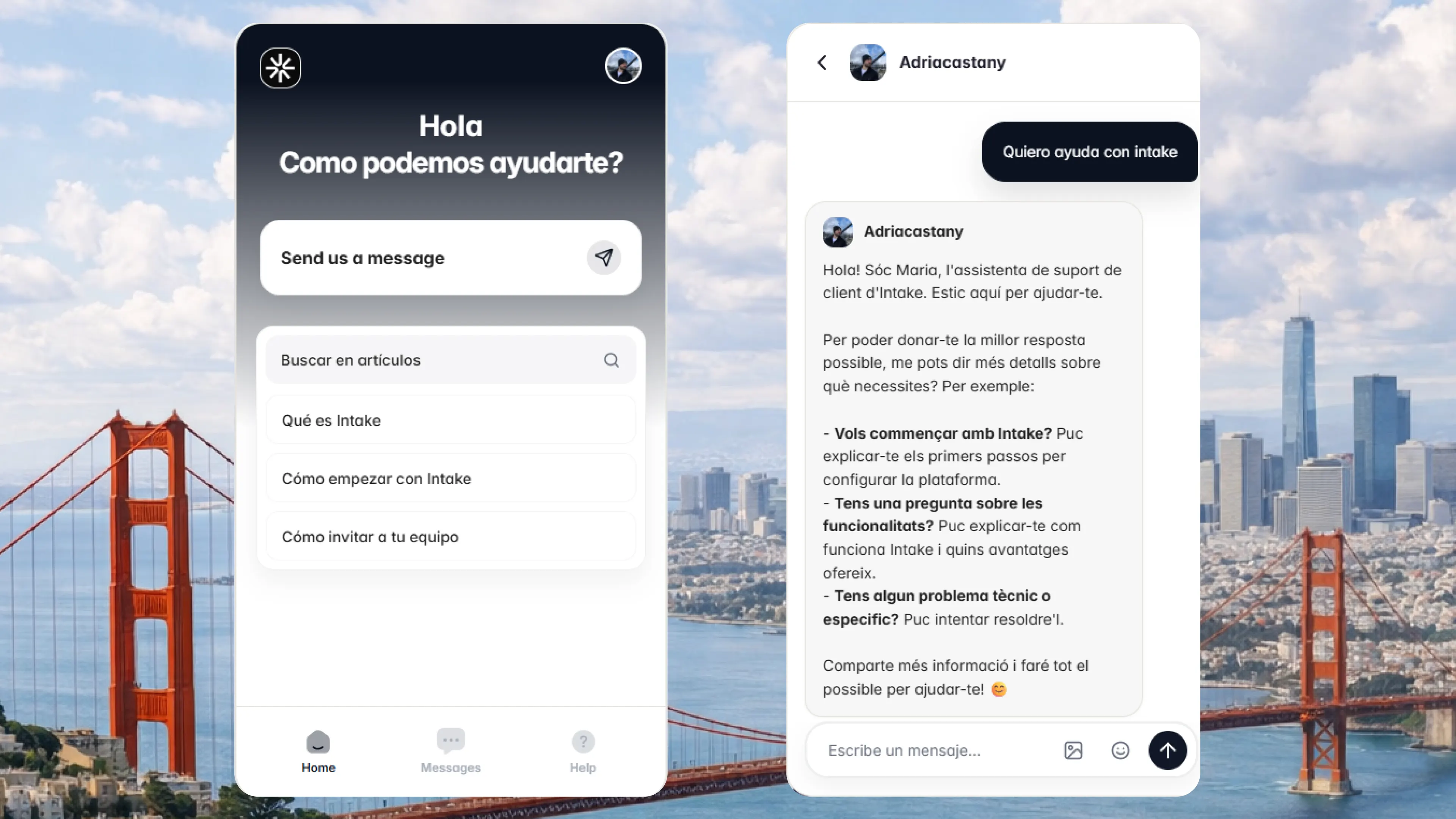
Notices and surveys
Reach the customer before they ask
With the data you already have on each customer, get ahead of setup, plan, permission or integration questions.
See how it works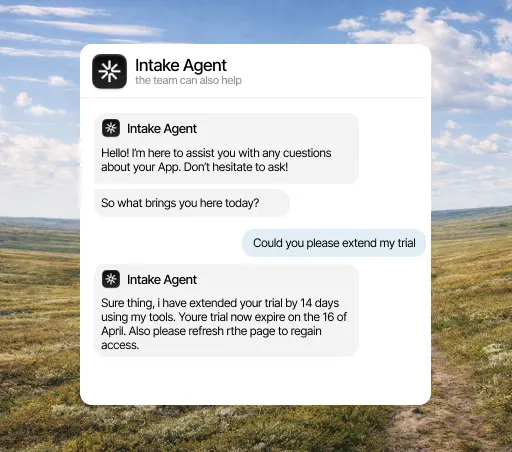
Reports
See how many questions get resolved without your team
See what gets resolved without your team, which topics keep coming up and which cases still reach people.
See the reports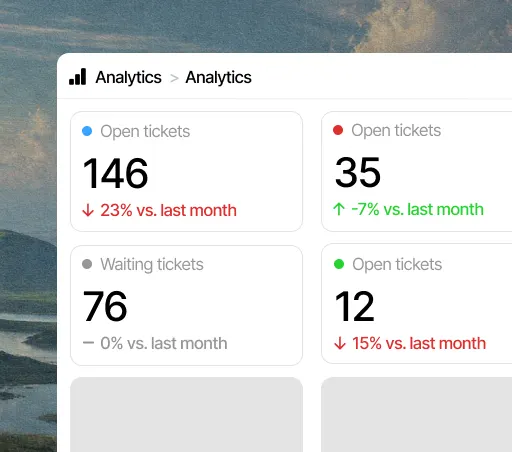
CUSTOMER DATA
Segmented messages
Send messages to customers by plan, usage, status, or history.
CUSTOMER DATA
Surveys and alerts
Collect feedback or communicate important changes before customers open a ticket.
INBOX
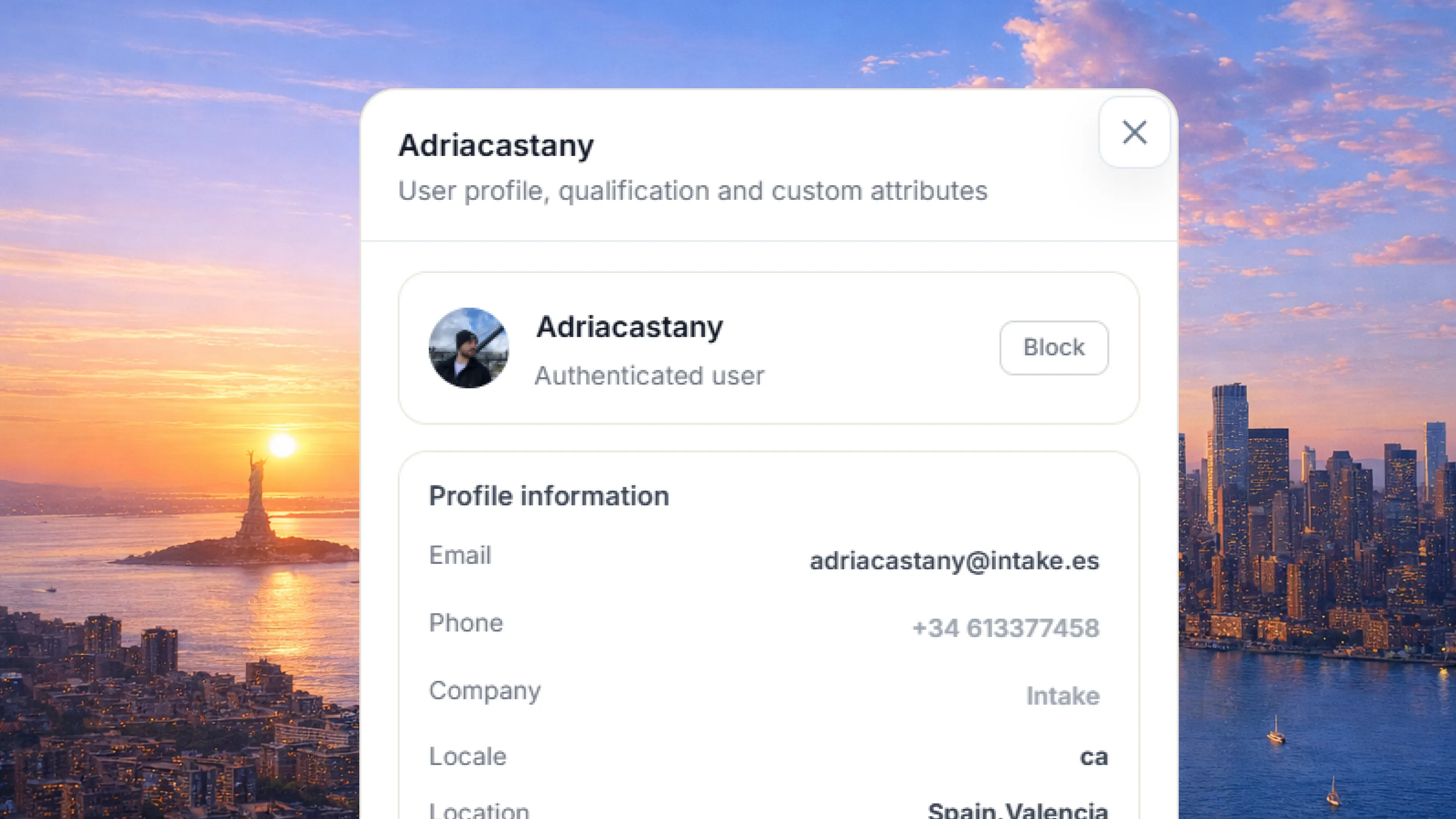
An inbox with each customer’s data
Every conversation arrives with the customer’s history, plan, settings and usage, plus what the agent already checked.
See how it works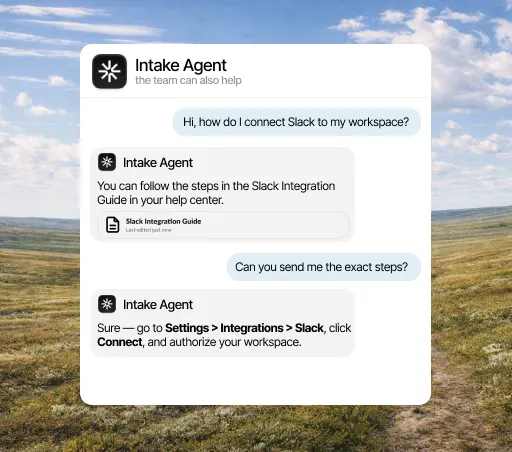
Messages reach each customer on their own channel
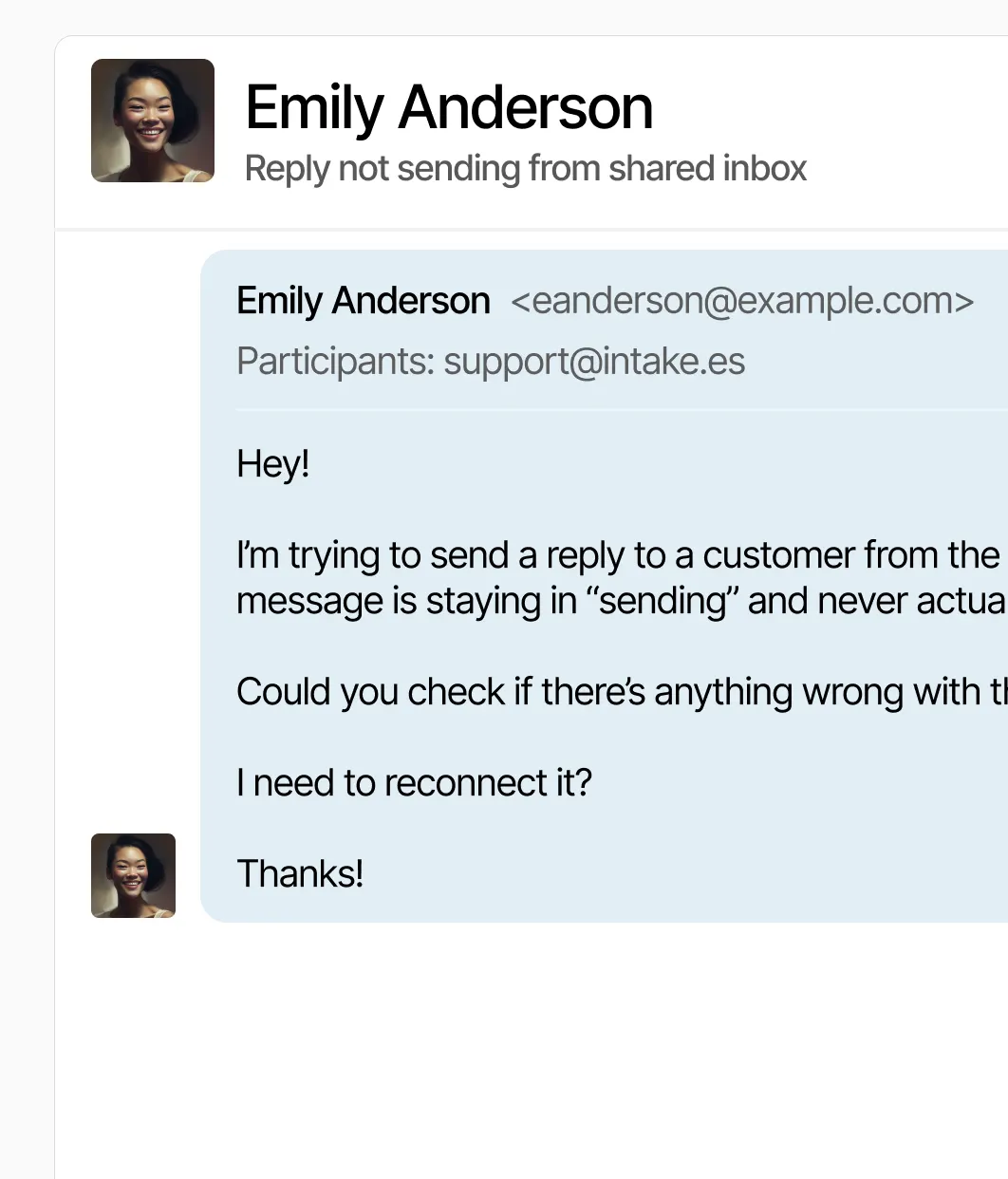
Email
Support emails land in the same inbox, with the customer’s data next to them.
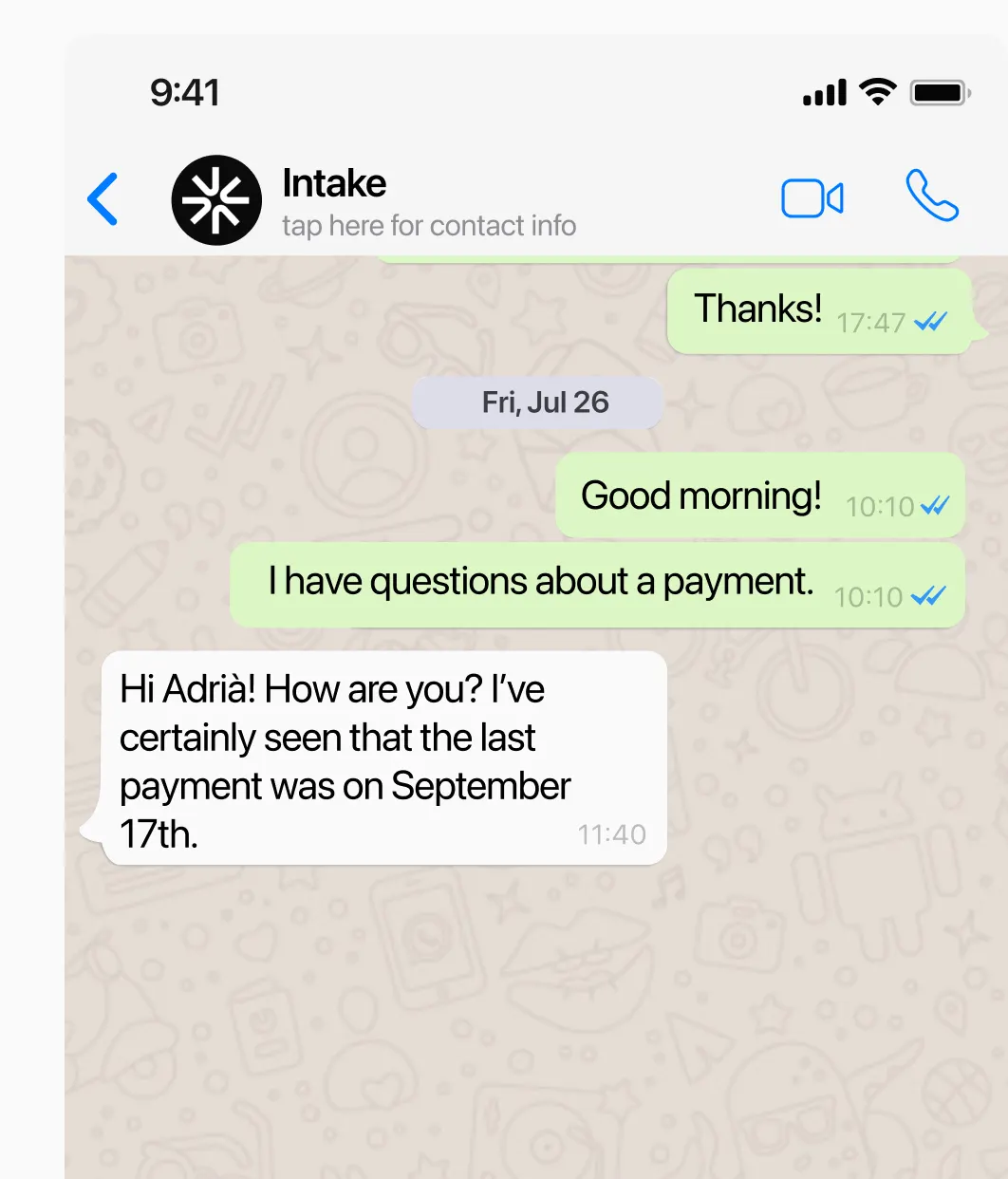
WhatsApp
The agent replies on WhatsApp with your documentation and the customer’s data. When it can’t solve it, it hands the conversation to a person in the same chat.
Website chat
The chat on your site or in your app, with the AI answering from your help center.









Connect Intake to the tools you already use
Share conversations, customer data and tasks with HubSpot, Slack, Jira and the rest of your team’s tools.
See all integrationsYour customers’ data,
in the EU and under your control.
Intake runs on AWS in the European Union and complies with GDPR. The agent only reads and does in your systems what you allow, and your team can review every answer.
- GDPR
- Data in the EU
- AWS with SOC 2
Frequently asked questions
What type of messages can I send?
You can send notices, product updates, surveys and follow-up messages.
What is Intake’s AI agent?
An assistant that serves your customers on your website, your app, email or WhatsApp. Before answering it checks their account data, and it resolves repeated questions so they don’t reach your team.
Does the agent replace my team?
No. It takes the repeated work and passes the cases that need a decision to a person.
Can we use our own documentation?
Yes. Besides your documentation, it takes into account each account’s plan, settings and usage.
How do we get started?
Most teams start with the five to ten questions they get most and connect the data needed to answer them.
