When it acts
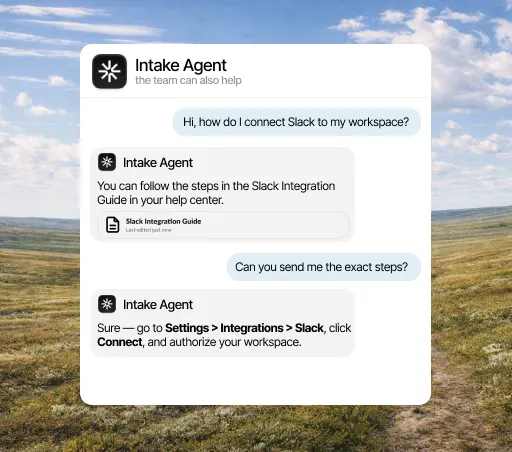
- When a customer opens the chat in your portal
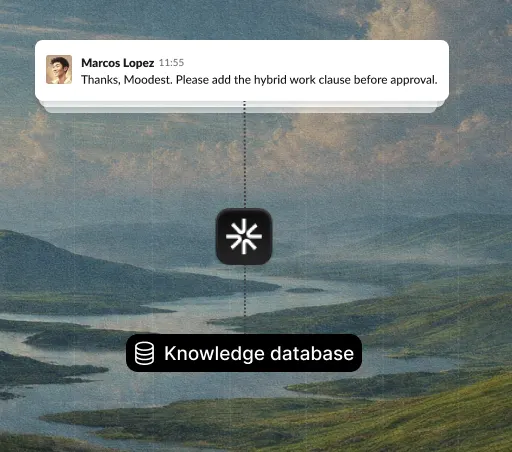
- When a contact is updated in the CRM
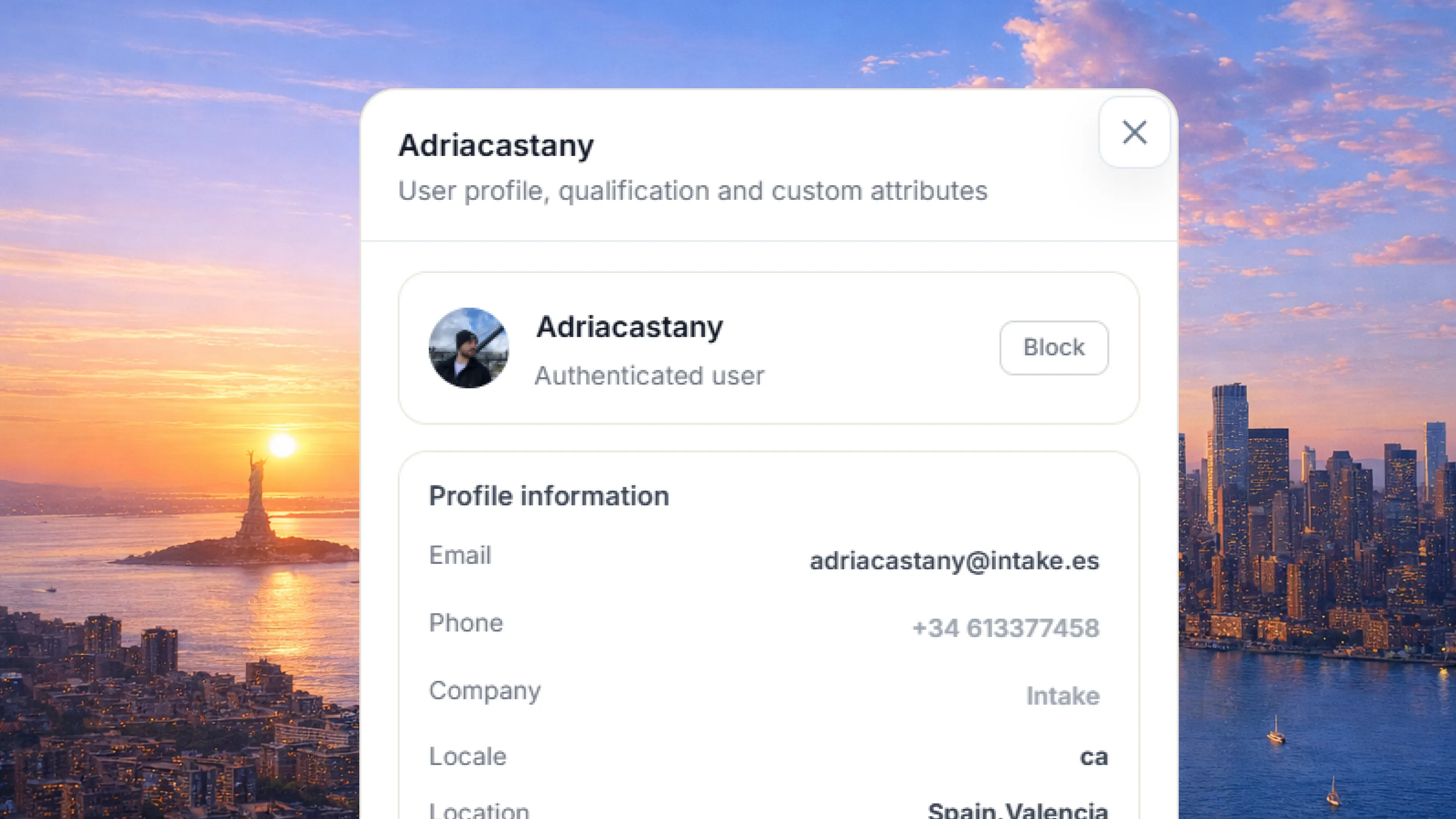
Connect HubSpot so Intake knows each customer’s plan, company or sales stage before it answers. What gets resolved is logged back in the CRM.
What it solves
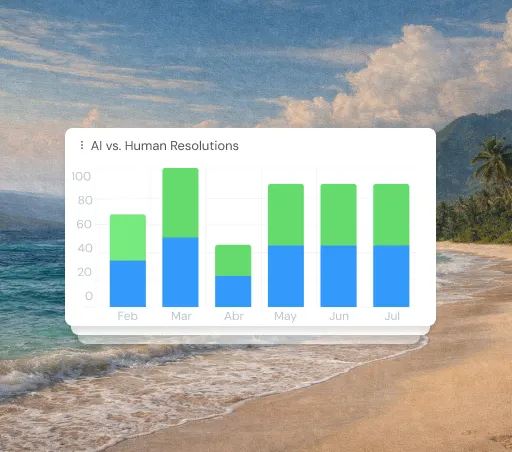
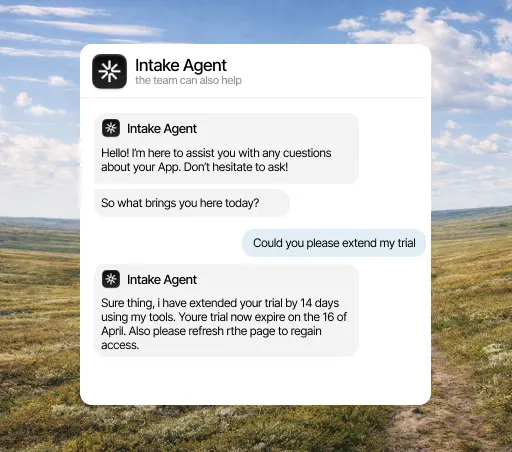
The same question has different answers depending on the plan the person asking is on, and that data lives in HubSpot, not in the help center. The agent looks it up before replying, so instead of "it depends on your plan", it says what that company’s plan includes.
What it solves
An account asking three times about its plan limits is telling you something, and that signal rarely leaves the support inbox. With HubSpot connected, what happens in the conversation is logged on the customer’s record, where their account owner can see it without anyone passing it on.
What it solves
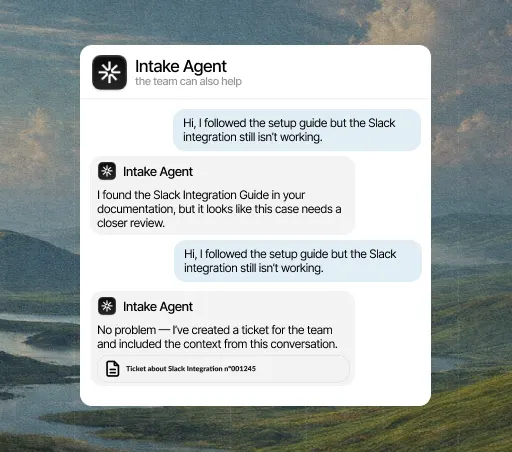
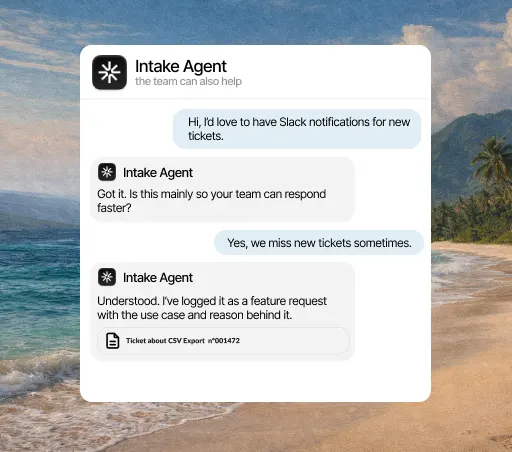
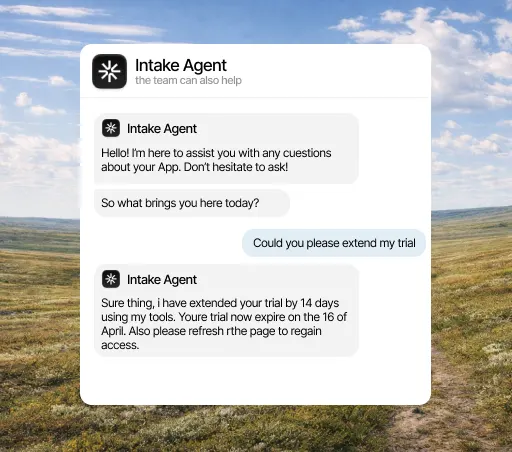
Not everything that comes through support is support: questions about pricing, renewals or upgrading lose value when the wrong team answers them. The agent recognizes them and hands them to that account’s owner in HubSpot, along with what has already been discussed.
What it does
What counts in an integration is what it lets the agent do. This is the data HubSpot brings and what the agent does with it on its own.
When it acts
What it can do
Three concrete things that change your team’s day.
Intake adjusts its answer or action depending on whether the person writing is a prospect, a large customer or an account at risk.
If a support question turns out to be a sales opportunity, it goes to your team with the HubSpot data.
What Intake does shows up on the HubSpot record without anyone copying it over.
Three steps, and only the first needs a HubSpot admin. You can change the rest later without reconnecting anything.
Open the integrations panel, pick HubSpot and authorize access with the account your team already uses. You need admin rights in HubSpot, so if you don’t have them, this is the only step you’ll have to ask someone for.
Select the channels, events and account fields it can access. Anything you don’t select stays hidden from it, and you can change it anytime without reconnecting.
From the first conversation, the agent checks that data before replying, resolves what it can close on its own and hands the rest to a person, with the case already prepared.
A few minutes. You authorize access and choose what it can see; nothing needs rewriting and no development work is needed to start.
Yes, from either side: by revoking the connection in Intake or removing the permission in HubSpot. The agent stops reading that data right away and keeps answering with everything else.
No. Every integration is included in the plan, from €49 a month. There are no add-ons to buy and no per-call charges.
The agent answers with what it does have and, if the question depended on that data, hands the conversation to a person and explains why. It never makes up data it couldn’t look up.
Company properties, contact status, account owners and any custom fields you authorize.
Yes. If you give it write access, it can save resolutions as notes or log property changes.