Connect your systems
Connect Intake to the systems you already use
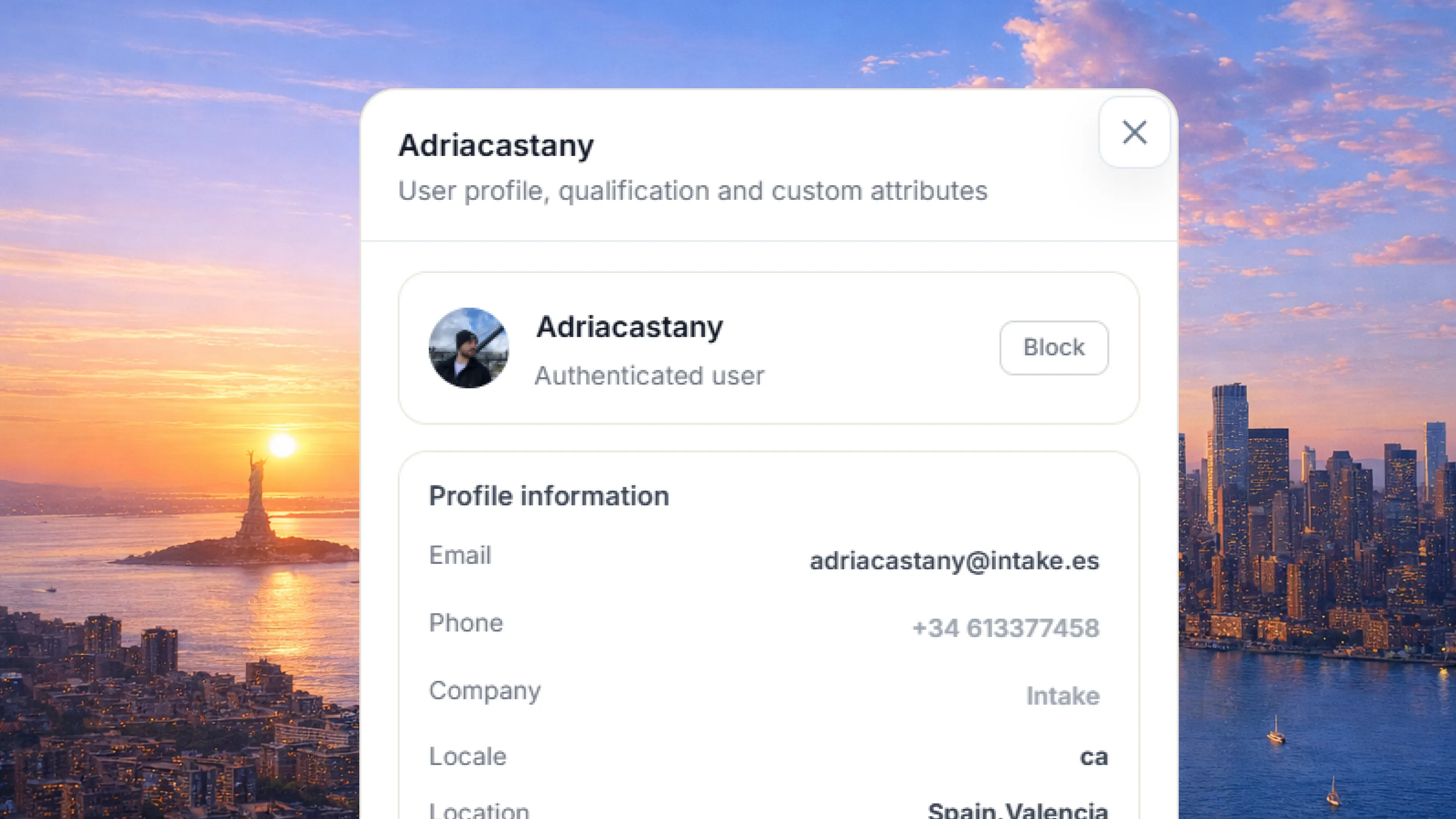
Intake checks each customer’s plan, settings, usage and permissions, and answers with that information.
See the integrations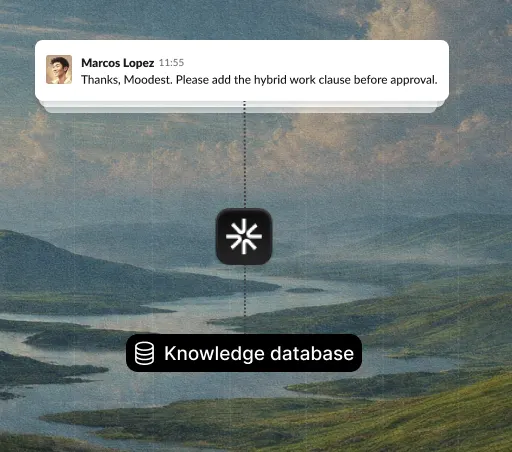
 Backed by
It answers your customers with your company’s information, gets things done in your systems, and passes you only the cases that need a person.
Trusted by teams at:









Logins, invoices, plan changes, orders, appointments. Intake understands what customers ask for and sorts it out without anyone on your team dropping what they are doing.

Where is my order?

Where can I change the billing details?

Can anyone help me set this up?

Can I move Thursday’s appointment?

I cannot access my account.

How do I return an item?

Not sure where to check this.

The integration is throwing errors.

How do I reset my password?

Can you send me last month’s invoice?

Is this included in my current plan?

Do you have a slot this Saturday?

How long does shipping take?

Can I change the delivery address?

The verification email never arrived.

How many users does our plan include?

When will I get my refund?

Can I change who gets the invoice?

Can I pay in instalments?
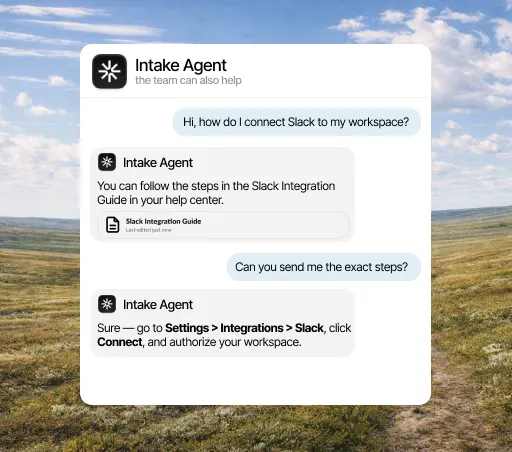
Connect Intake to your systems and it can look up data, change it or complete the request without leaving the conversation.
Intake checks each customer’s plan, settings, usage and permissions, and answers with that information.
See the integrationsIt answers with your documentation and each customer’s data. Your team only gets what needs a decision.
See how it works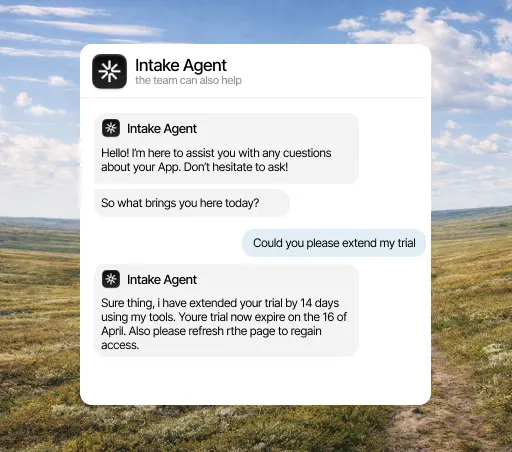
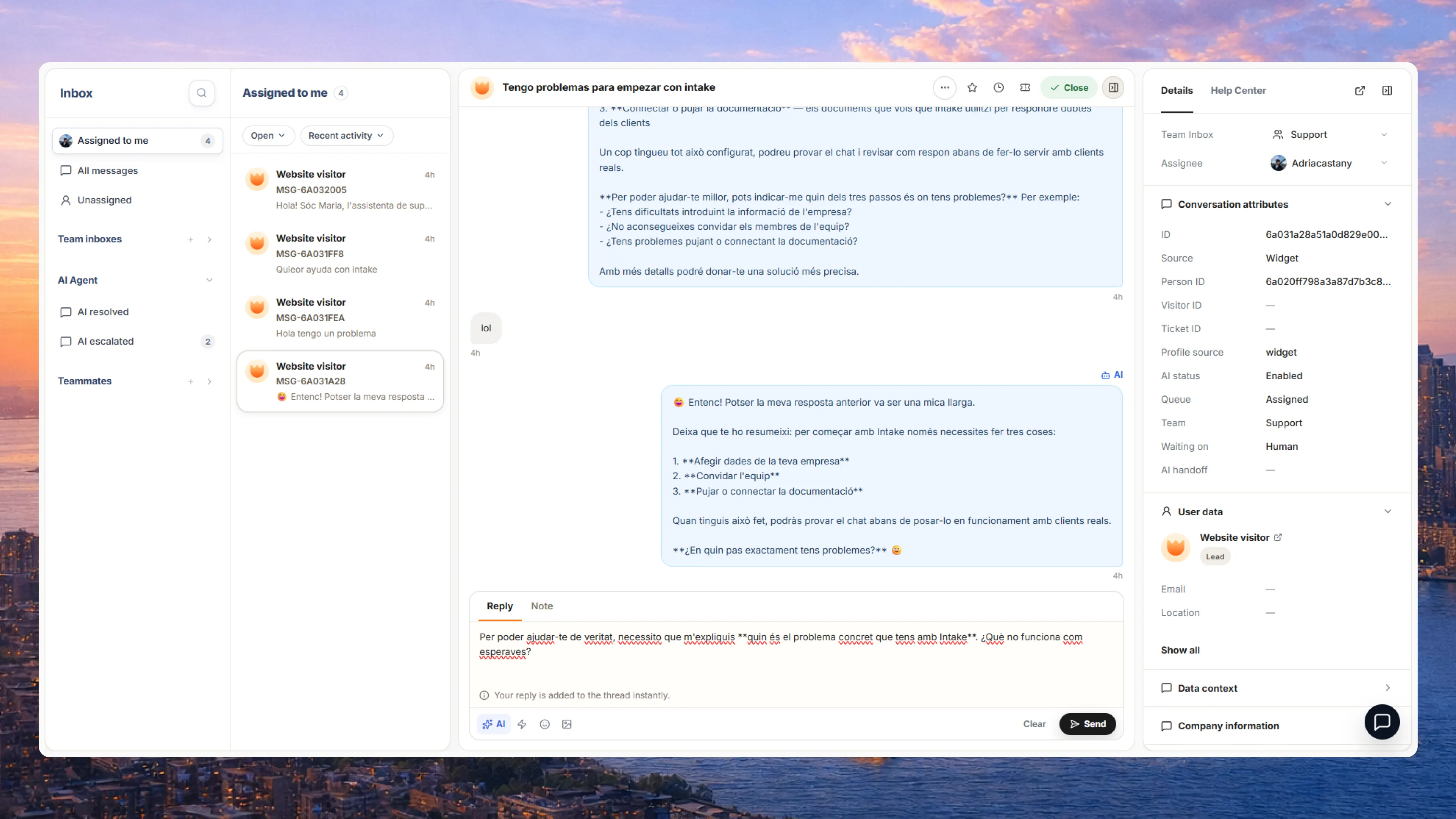
Whoever picks it up sees the message, the customer’s data, what has already been checked and the next step.
See how it works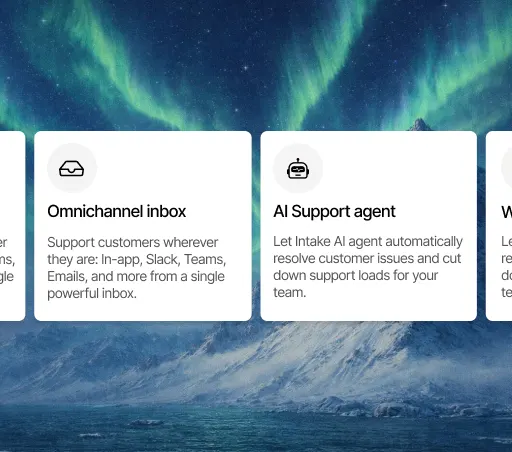
See what has been resolved, what reached your team and which recurring topics need more information.
See the reports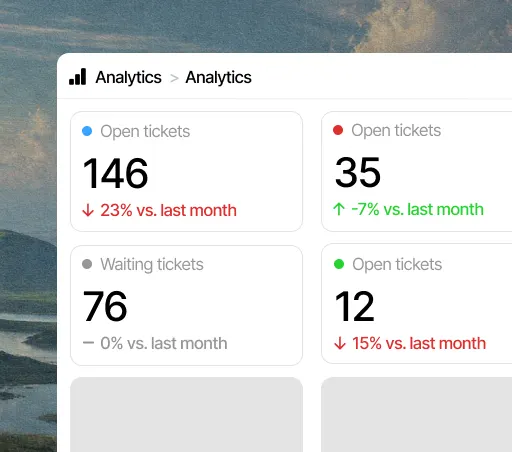
From a plan change to an order, Intake handles the most common requests without customers waiting for someone to reply.
Checks how the account is configured before answering, instead of sending another article.
Answers based on the customer’s plan and the features they have turned on.
Looks at their role and permissions and tells them exactly what to do.
Checks the connection status and explains the next step.
Points to the right screen for how that account is set up.
Checks how the account is configured before answering, instead of sending another article.
Answers based on the customer’s plan and the features they have turned on.
Looks at their role and permissions and tells them exactly what to do.
Checks the connection status and explains the next step.
Points to the right screen for how that account is set up.
Sorts out plan, invoice and payment questions with the account’s data.
Handles the repeated requests to get back into an account on its own.
Walks the customer through setup with the tools they have connected and the steps left.
Answers recurring settings questions based on how the workspace is set up.
Explains what is available from the current plan and usage.
Sorts out plan, invoice and payment questions with the account’s data.
Handles the repeated requests to get back into an account on its own.
Walks the customer through setup with the tools they have connected and the steps left.
Answers recurring settings questions based on how the workspace is set up.
Explains what is available from the current plan and usage.
Intake runs on AWS in the European Union and complies with GDPR. The agent only reads and does in your systems what you allow, and your team can review every answer.
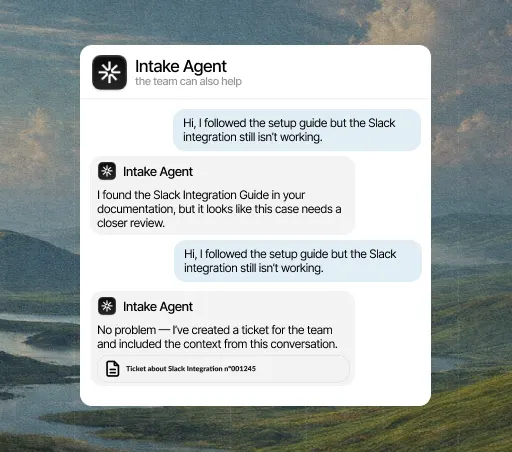
If Intake can’t complete the request, it passes the conversation to someone on your team with everything already said and checked, so they can pick it up without asking again.
Every channel in one place, and each conversation with the customer's data in view from the first message.
See the inboxIt resolves repeated questions with each customer's plan, permissions and setup, instead of sending a generic article.
See the agentWhen a person needs to step in, the case arrives with the history, the customer's data and the next step ready.
See the handoffIntake reads and updates data in your store, your CRM and your work tools, and alerts your team where they already work.
See the integrationsIntake is AI customer service: an agent that answers with your company’s information, gets things done in your systems, and hands the conversation to someone on your team when needed.
No. It handles the questions that keep coming back and the simple tasks, and passes the sensitive cases to a person with the whole conversation and the customer’s data. Your team serves more customers without growing at the same pace.
Yes. And if you connect your systems, it checks each customer’s data before answering: their plan, an invoice, an order or a booking.
It can start answering the same day. Connect a channel, load your information and start with the questions you get most. Actions in your systems come later.
With the 10-day free trial, no card needed. Pick the 5 to 10 questions you get most and add the information needed to answer them.