
An AI agent that answers, gets things done and knows when to stop
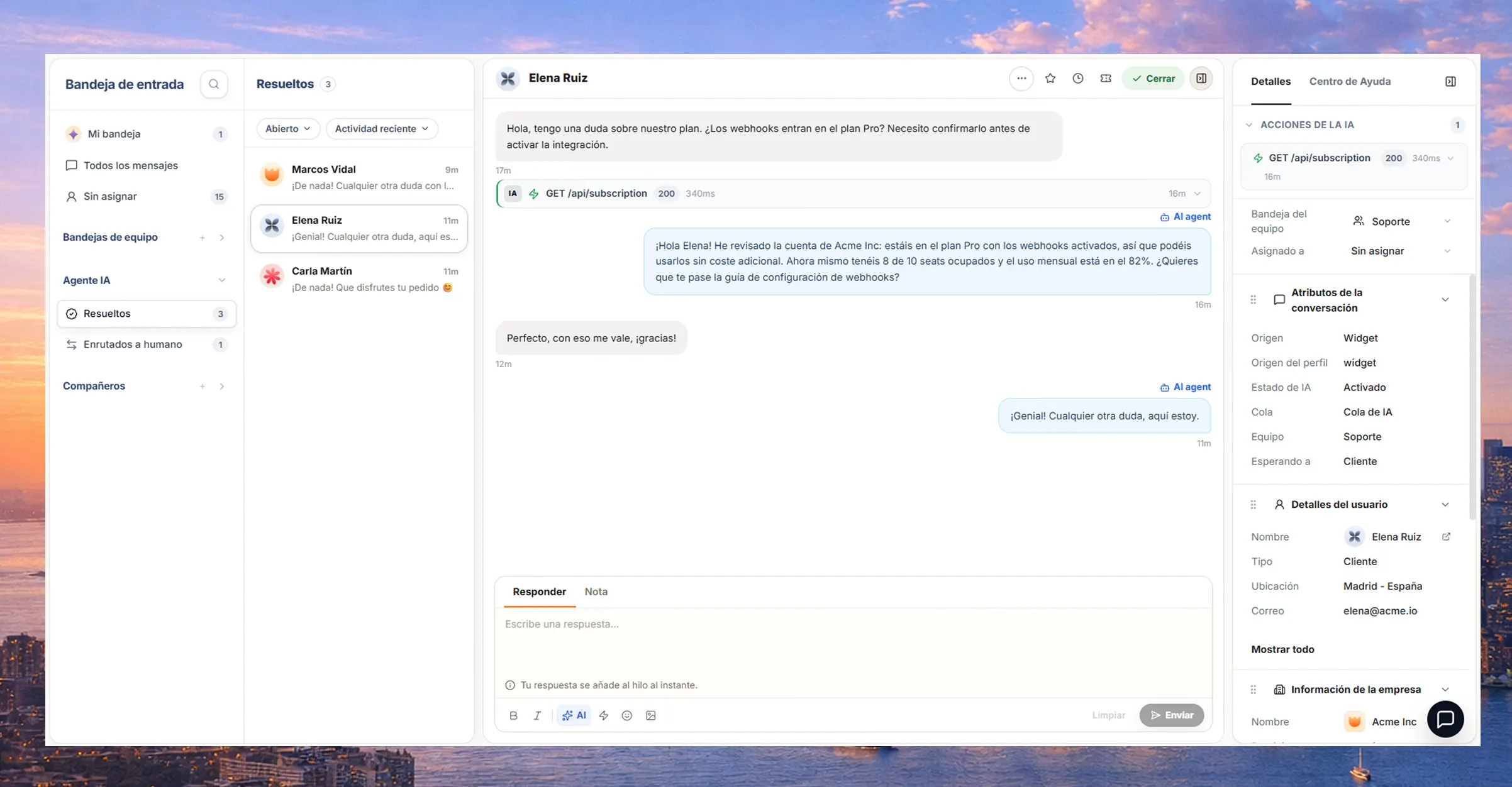
When the answer depends on the account’s plan, permissions or usage, the agent checks that data and, with actions, calls your API to resolve it.
Trusted by teams at:









- and 20+ more companies
Actions
The agent gets the task done in your systems
You decide which calls to your API it can make and with what permissions. The agent uses them to look up data or make the change, like extending a trial.
See a demo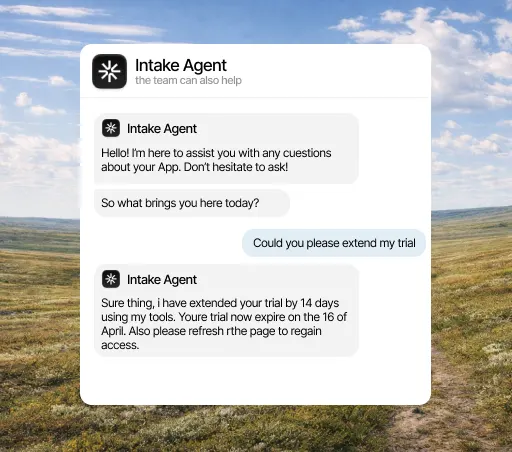
AI agent
Resolve repeated questions before they reach your team
It answers with your documentation and the account data. If it can’t solve it, it passes the conversation to a person with the full history.
See the AI agent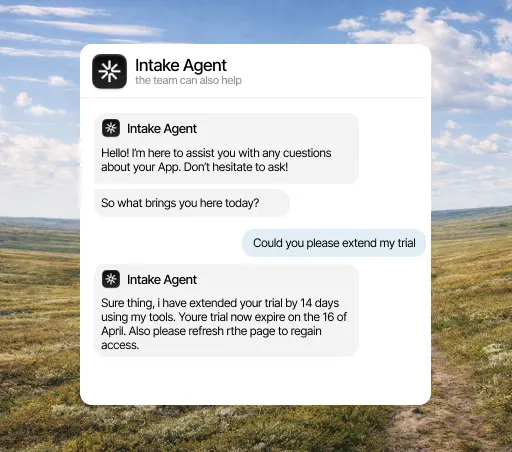
Your team decides
Hands the conversation to a person with the full history
When the agent shouldn’t answer alone, you get the conversation, the history, the account data and what it already tried.
See how it works
Help center
When the answer depends on the account, an article is not enough
The agent combines what your articles say with that account’s plan, settings and usage, and answers that specific customer.
See how it works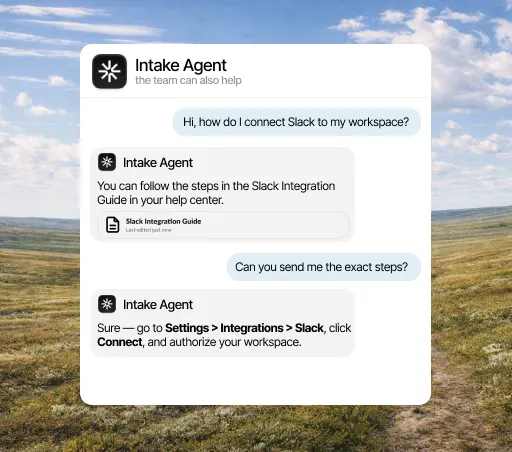
CUSTOMER DATA
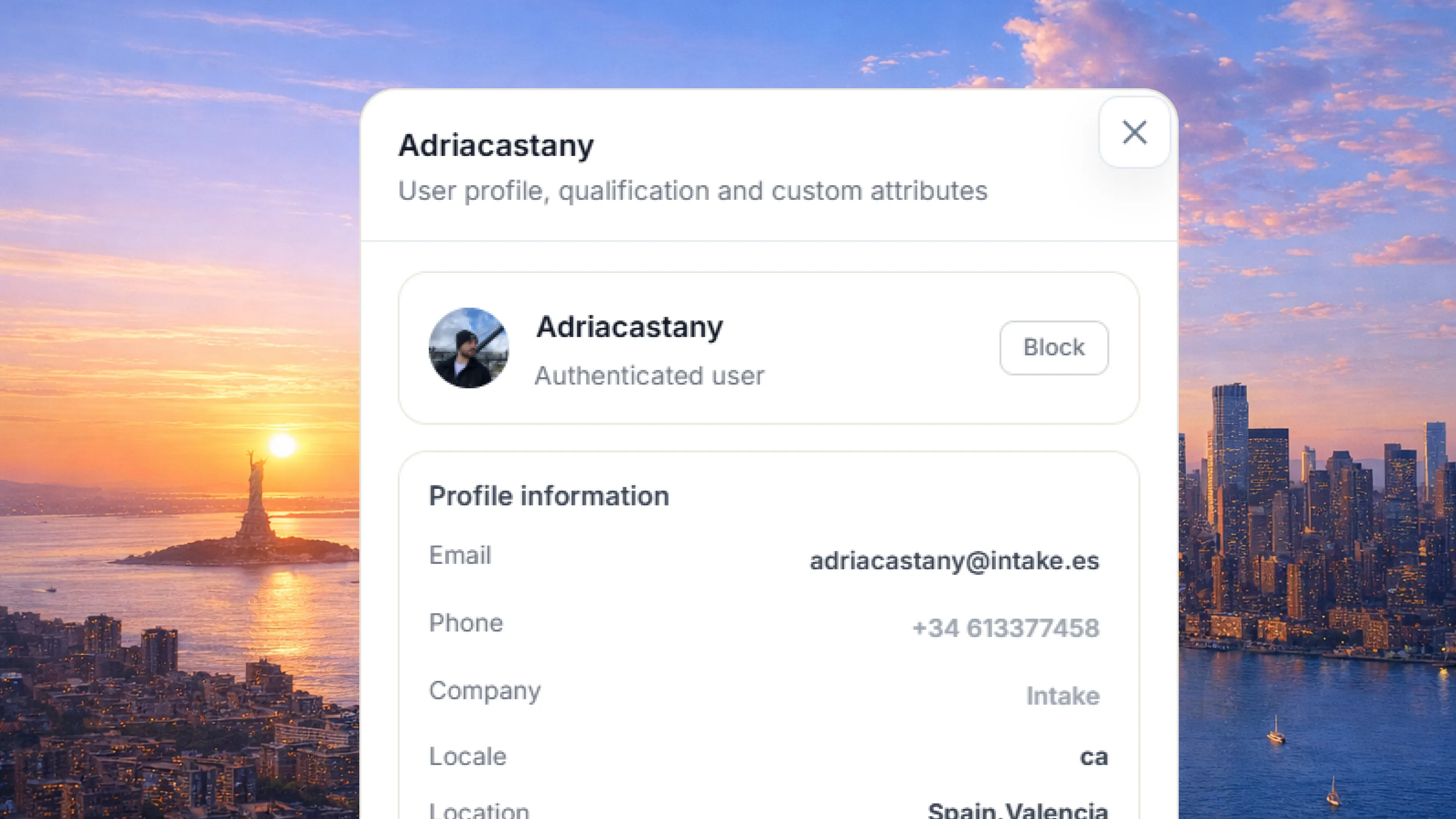
Customer profile
History, conversations, and relevant data in one place.
CUSTOMER DATA
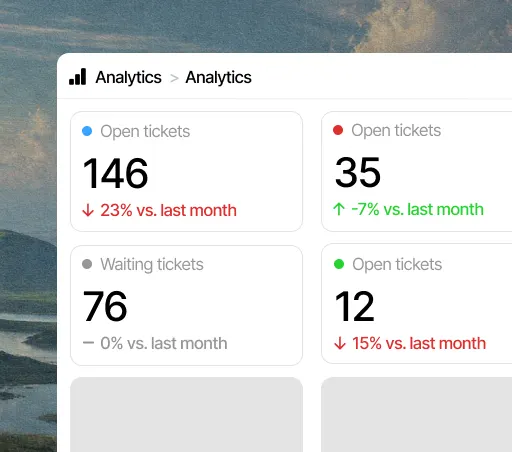
Grouped requests
Group repeated conversations and spot what matters most.
INBOX
An inbox with each customer’s data
Every conversation arrives with the customer’s history, plan, settings and usage, plus what the agent already checked.
See how it worksThe agent answers on all your channels
Email
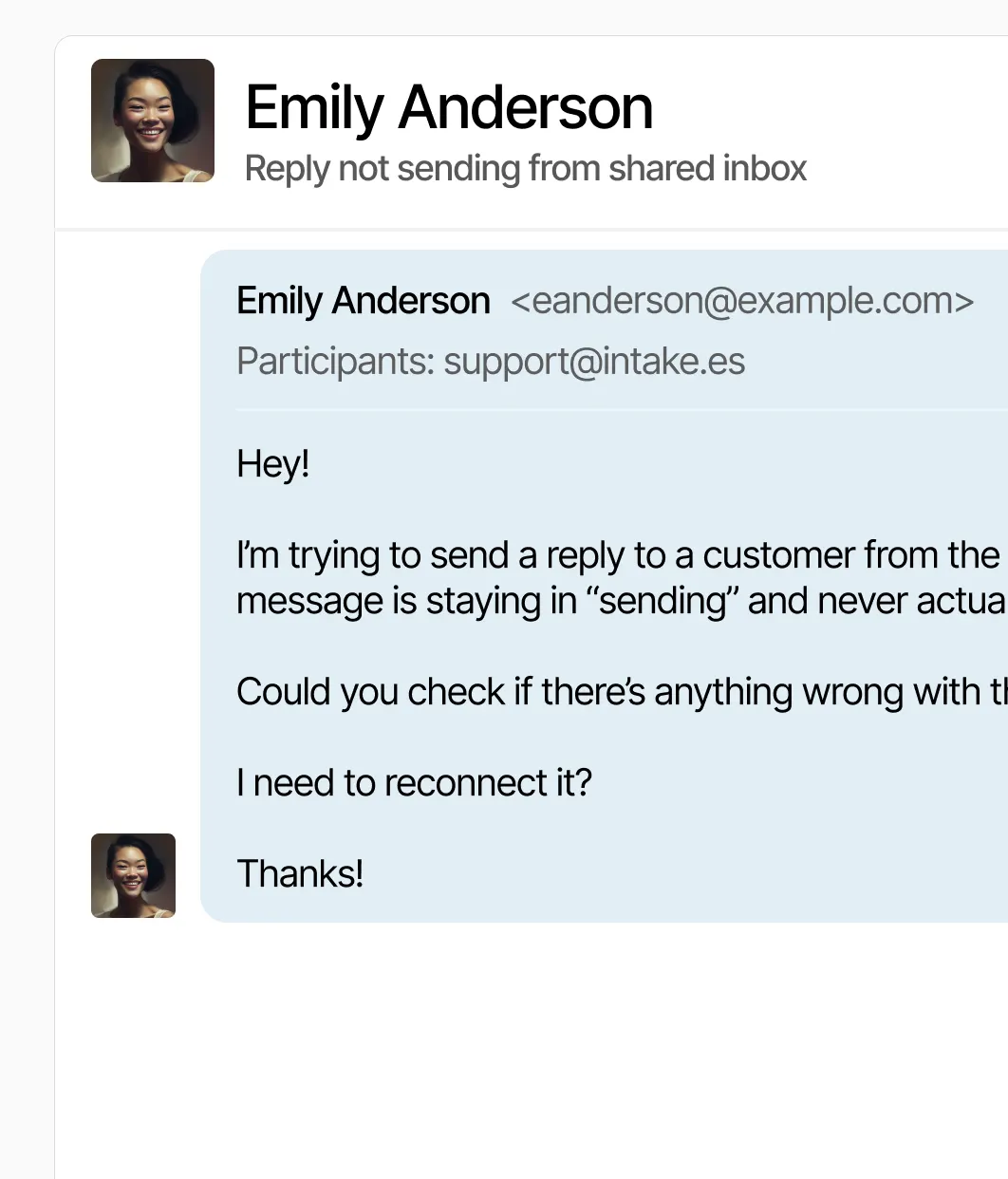
Support emails land in the same inbox, with the customer’s data next to them.
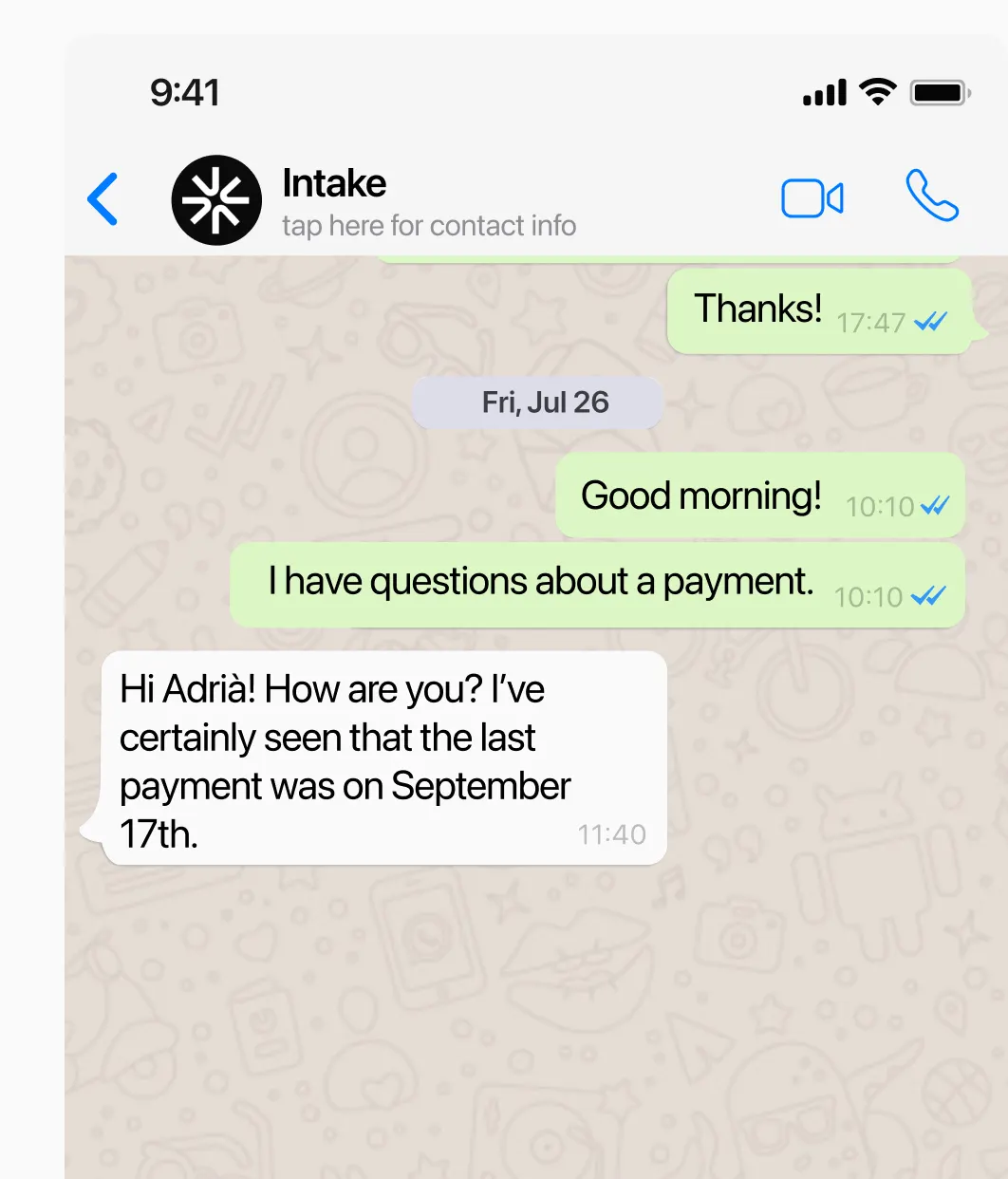
WhatsApp
The agent replies on WhatsApp with your documentation and the customer’s data. When it can’t solve it, it hands the conversation to a person in the same chat.
Website chat
The chat on your site or in your app, with the AI answering from your help center.









Connect Intake to the tools you already use
Share conversations, customer data and tasks with HubSpot, Slack, Jira and the rest of your team’s tools.
See all integrationsYour customers’ data,
in the EU and under your control.
Intake runs on AWS in the European Union and complies with GDPR. The agent only reads and does in your systems what you allow, and your team can review every answer.
- GDPR
- Data in the EU
- AWS with SOC 2
Frequently asked questions
Does AI answer with our information?
Yes. It answers with your documentation and each customer’s data: their plan, settings and usage.
What are actions?
They are GET and POST calls the agent makes to your API, with the permissions you decide. It uses them to check data or make the change the customer asks for, instead of explaining how to do it.
What is Intake’s AI agent?
An assistant that serves your customers on your website, your app, email or WhatsApp. Before answering it checks their account data, and it resolves repeated questions so they don’t reach your team.
Does the agent replace my team?
No. It takes the repeated work and passes the cases that need a decision to a person.
Can we use our own documentation?
Yes. Besides your documentation, it takes into account each account’s plan, settings and usage.
How do we get started?
Most teams start with the five to ten questions they get most and connect the data needed to answer them.
