
When it acts
- When a customer writes to your company’s WhatsApp number
- When they reply to a template you sent them
- When they pick up a conversation left open days ago
Intake is registered with Meta as an independent Tech Provider, so you connect your number from here and the WhatsApp Business account stays yours. Most support tools resell access through a third party; with Intake there’s nobody in between.
What it solves
In Spain, customers message on WhatsApp before they email, and they expect an answer in minutes, not tomorrow. When it doesn’t come, you get the second message, the "hello?" half an hour later and, sometimes, a bad review. The agent replies as soon as the message arrives, at any hour, with that customer’s account data in front of it.
What it solves
With most tools, connecting WhatsApp means opening a ticket with a reseller and waiting. Because Intake is a Meta Tech Provider, you authorize with your own account from the panel and the number is connected in minutes. And it stays in your name: the WhatsApp Business account is yours, not a middleman’s.
What it solves
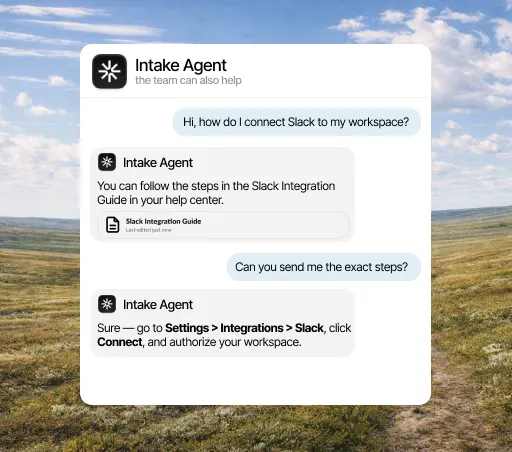
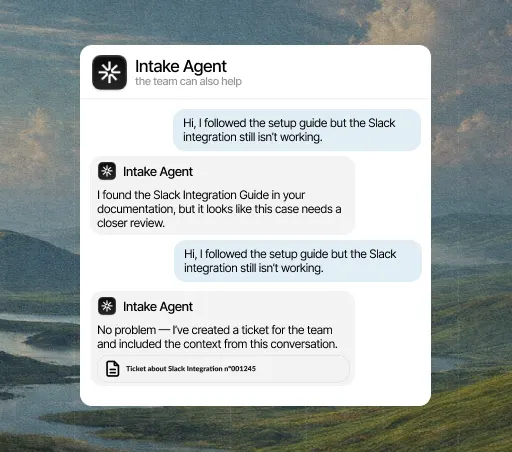
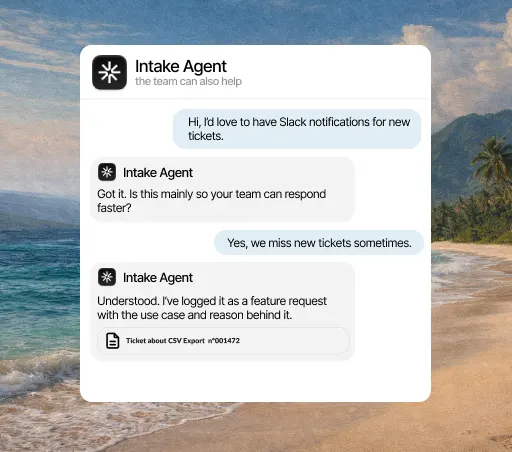
When a question needs a person, the customer doesn’t have to repeat anything or switch channels: they stay in the same WhatsApp conversation and someone from your team replies, with everything that came before in front of them. For the customer it’s the same window; for you, a case that arrives ready.
What it does
What counts in an integration is what it lets the agent do. This is the data WhatsApp brings and what the agent does with it on its own.
When it acts
What it can do
Three concrete things that change your team’s day.
You authorize with your Meta account from the panel itself and the number is connected. No ticket with a reseller and no waiting for someone to set you up.
Your WhatsApp Business account and your number stay in your name at Meta, not a middleman’s. If you leave one day, you take them with you.
In Spain, customers message on WhatsApp before they email, and they expect an answer right away. The agent replies right then, with their account data in front of it.
Three steps, and only the first needs a WhatsApp admin. You can change the rest later without reconnecting anything.
Open the integrations panel, pick WhatsApp and authorize access with the account your team already uses. You need admin rights in WhatsApp, so if you don’t have them, this is the only step you’ll have to ask someone for.
Select the channels, events and account fields it can access. Anything you don’t select stays hidden from it, and you can change it anytime without reconnecting.
From the first conversation, the agent checks that data before replying, resolves what it can close on its own and hands the rest to a person, with the case already prepared.
A few minutes. You authorize access and choose what it can see; nothing needs rewriting and no development work is needed to start.
Yes, from either side: by revoking the connection in Intake or removing the permission in WhatsApp. The agent stops reading that data right away and keeps answering with everything else.
No. Every integration is included in the plan, from €49 a month. There are no add-ons to buy and no per-call charges.
The agent answers with what it does have and, if the question depended on that data, hands the conversation to a person and explains why. It never makes up data it couldn’t look up.
It means Intake is registered directly with Meta to connect WhatsApp Business numbers, with no solution provider reselling access. In practice, you connect your number from here, and your account and number stay in your name.
Yes, as long as it isn’t active in the regular WhatsApp app. If you already use it with another tool, it can be migrated; if it’s new, it’s registered and verified on the spot.
You do, directly to Meta, at the per-conversation rates Meta publishes. We don’t resell messages or add a margin: what you pay us is your Intake plan, with conversations included.
Yes, and that’s where it makes the biggest difference, because people expect instant replies on WhatsApp. What it can close, it closes at any hour, and the rest waits for your team the next day, with the case ready.