
When it acts
- When someone posts in a support channel
- When someone mentions the bot in the server
Bring Intake to your Discord servers. It reads the questions, checks your documentation and API, answers right in the channel and hands anything that needs a person to your team.
What it solves
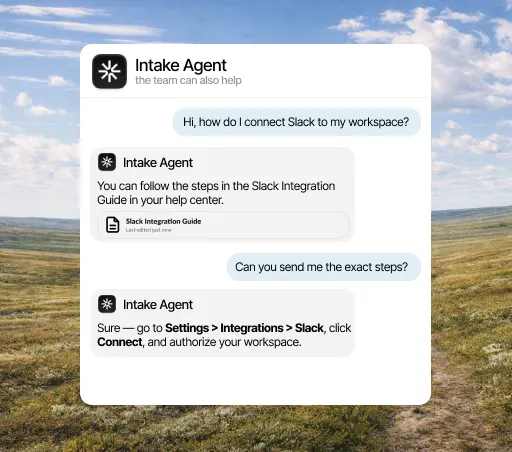
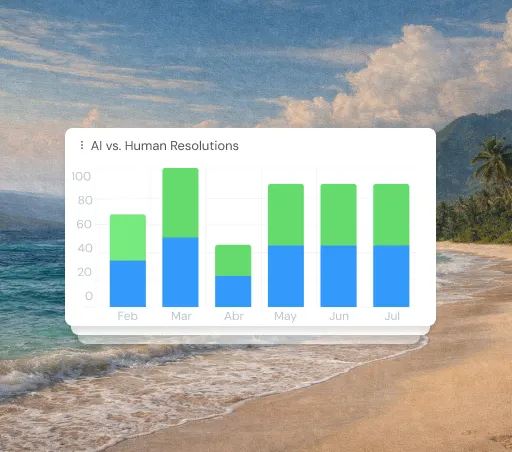
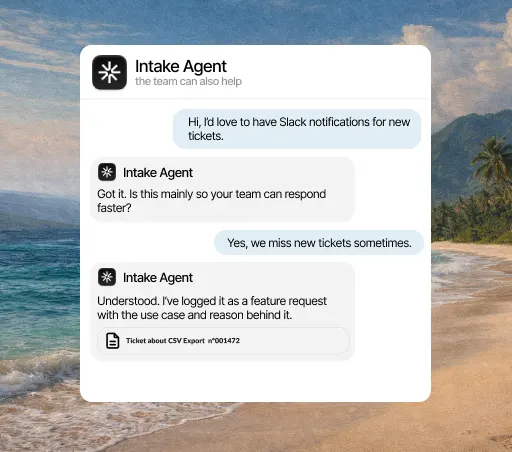
In a community, good questions come up every week in a different channel, and the same person usually answers them. The agent replies in the thread from your documentation, so that person gets their time back and whoever asks doesn’t have to wait for someone to be online.
What it solves
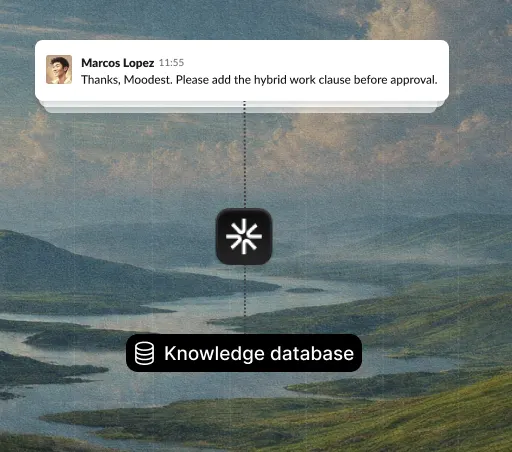
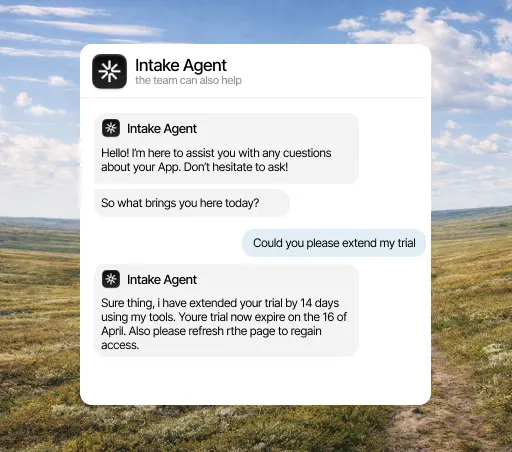
The best explanation a community ever produced is usually buried in a message from eight months ago that nobody will find. The agent spots what keeps coming up and drafts the missing article from it, so a good answer stops depending on someone remembering where it was.
What it solves
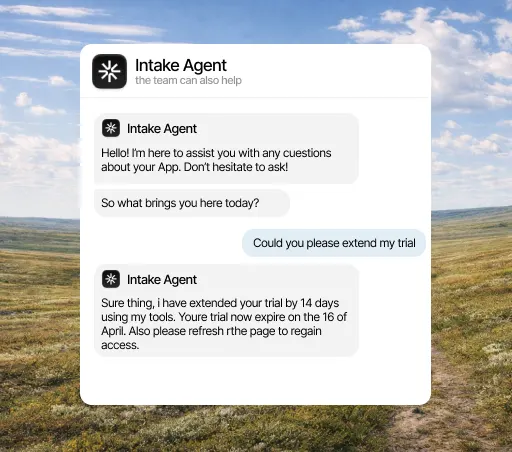
The person asking in Discord and the person opening a ticket are often the same person with the same problem, but they end up in two places that don’t talk to each other. With Discord connected, what happens in the community adds up with everything else, and the team sees one volume instead of two partial ones.
What it does
What counts in an integration is what it lets the agent do. This is the data Discord brings and what the agent does with it on its own.
When it acts
What it can do
Three concrete things that change your team’s day.
Intake reads the channels you assign and replies right away, so your technical team stops doing basic support.
Beyond reading your documentation, Intake can run checks, like verifying roles or accounts, before replying in Discord.
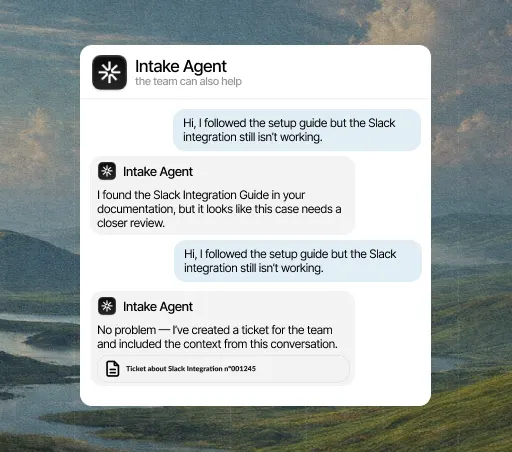
If a technical question is complicated, Intake creates a ticket in your inbox for your team to review without losing the original thread.
Three steps, and only the first needs a Discord admin. You can change the rest later without reconnecting anything.
Open the integrations panel, pick Discord and authorize access with the account your team already uses. You need admin rights in Discord, so if you don’t have them, this is the only step you’ll have to ask someone for.
Select the channels, events and account fields it can access. Anything you don’t select stays hidden from it, and you can change it anytime without reconnecting.
From the first conversation, the agent checks that data before replying, resolves what it can close on its own and hands the rest to a person, with the case already prepared.
A few minutes. You authorize access and choose what it can see; nothing needs rewriting and no development work is needed to start.
Yes, from either side: by revoking the connection in Intake or removing the permission in Discord. The agent stops reading that data right away and keeps answering with everything else.
No. Every integration is included in the plan, from €49 a month. There are no add-ons to buy and no per-call charges.
The agent answers with what it does have and, if the question depended on that data, hands the conversation to a person and explains why. It never makes up data it couldn’t look up.
You decide which channels it reads and where it replies. You can limit it to your support or technical questions channels.
Yes. You can set it up to answer questions both in public community threads and in direct messages to the bot.