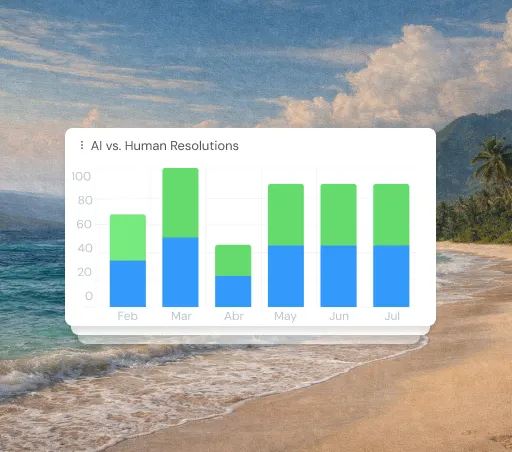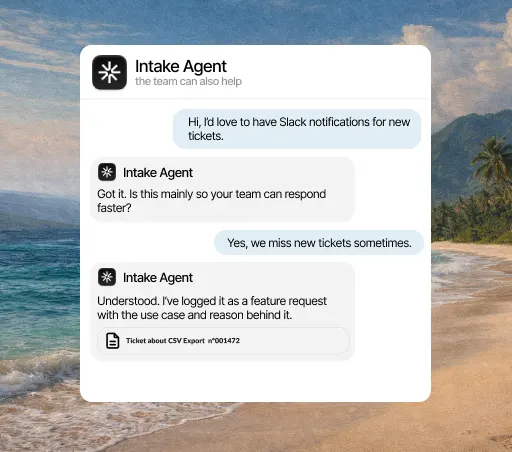

When it alerts you
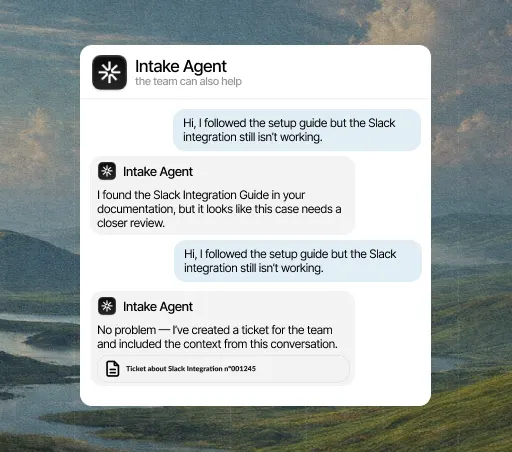
- When the agent hands a conversation to a person
- When a customer marks their case as urgent
- When a topic comes up often enough to deserve an article
- When an action in your API fails and nobody has noticed
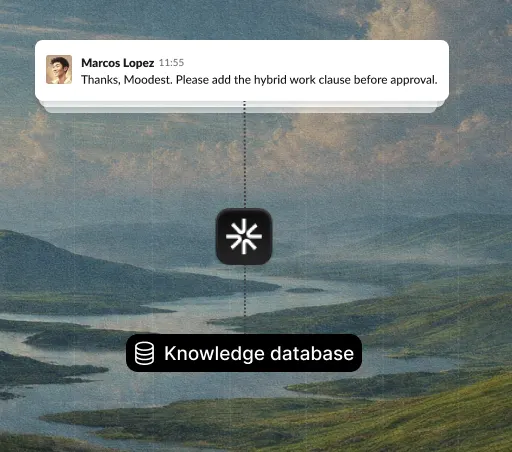
Customers don’t write to you on Slack: it’s where your team works. When the agent hands a conversation to a person, marks it as urgent or sees a topic coming up again and again, the alert lands in the channel you already have open, with a summary of the case and a link to open it.
What it solves
Small teams lose a lot of time checking every half hour whether something has come in. With alerts in Slack, that habit goes away: if the agent closes it, there’s no message; if it can’t, it shows up in the channel you’re already in. You open the inbox when there’s something to look at.
What it solves
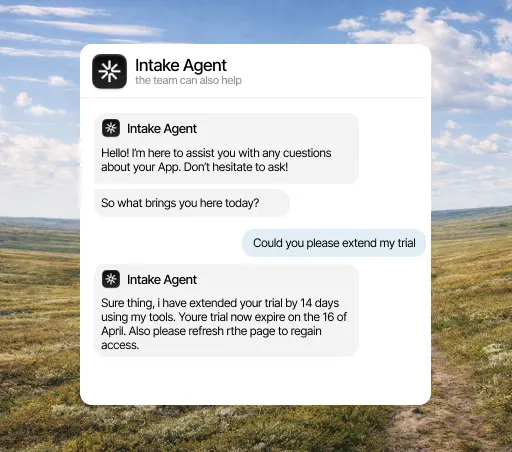
An alert that says "you have a new ticket" makes you open the conversation, read all of it and look up the customer’s plan. Intake’s alert includes the plan, how long they’ve been waiting and what the agent already tried. Whoever sees it decides without leaving Slack whether it’s theirs, and if it is, starts with the case ready.
What it solves
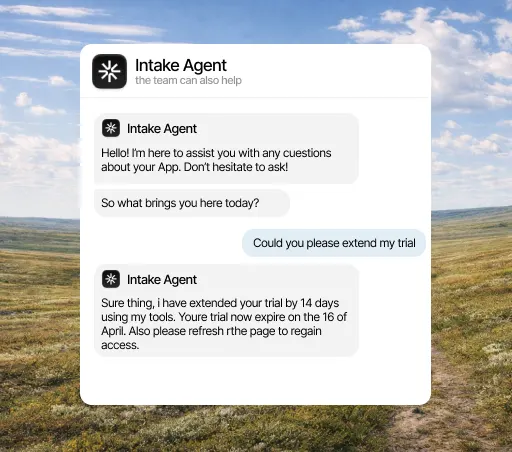
Any alerting integration tends to notify everything, and you end up with a channel the team mutes within two weeks. Here you choose what triggers an alert and which channel each thing goes to. Conversations the agent resolves on its own make no noise, which is why you have an agent.
What it does
What counts in an integration is what it lets the agent do. This is the data Slack brings and what the agent does with it on its own.
When it alerts you
What lands in the channel
Three concrete things that change your team’s day.
The team stops checking every half hour to see whether something came in. If the agent closes it, there’s no alert; if not, it shows up where you already are.
Whoever picks it up doesn’t have to open three tabs to understand it: the plan, the wait time and what was already tried come in the message.
You choose what triggers an alert and in which channel. Conversations the agent resolves on its own make no noise.
Three steps, and only the first needs a Slack admin. You can change the rest later without reconnecting anything.
Open the integrations panel, pick Slack and authorize access with the account your team already uses. You need admin rights in Slack, so if you don’t have them, this is the only step you’ll have to ask someone for.
Select the channels, events and account fields it can access. Anything you don’t select stays hidden from it, and you can change it anytime without reconnecting.
From the first conversation, the agent checks that data before replying, resolves what it can close on its own and hands the rest to a person, with the case already prepared.
A few minutes. You authorize access and choose what it can see; nothing needs rewriting and no development work is needed to start.
Yes, from either side: by revoking the connection in Intake or removing the permission in Slack. The agent stops reading that data right away and keeps answering with everything else.
No. Every integration is included in the plan, from €49 a month. There are no add-ons to buy and no per-call charges.
The agent answers with what it does have and, if the question depended on that data, hands the conversation to a person and explains why. It never makes up data it couldn’t look up.
No. Slack is for your team. Customers write through the chat on your website or app, by email or on WhatsApp; what reaches Slack is the alert about what needs a person.
The alert includes a link to the conversation, which is where you reply. That keeps everything in one thread, and the customer doesn’t get two different answers.