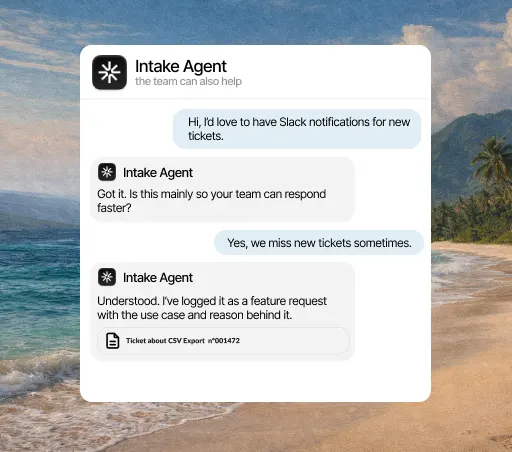
When it acts
- When a Make scenario sends it a webhook
- When a ticket is updated in Intake
With Make, you can send the AI agent events, account data and status changes that help it resolve repeat questions.
What it solves
An account’s status is rarely in one place: one piece of data is in the billing panel, another in a spreadsheet, another in an internal tool. Whatever the agent can’t see, a person has to look up. With Make, that data reaches the agent and those questions stop landing on your team.
What it solves
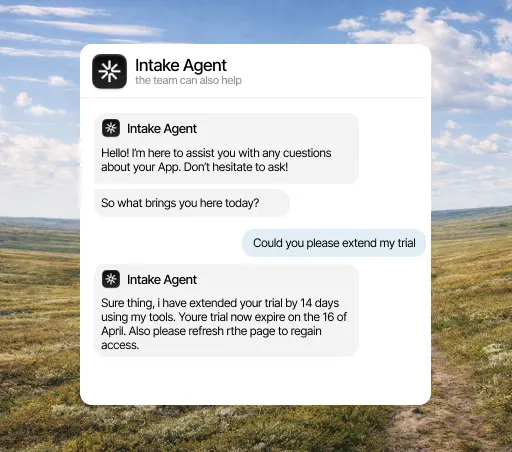
Not everything ends when the agent replies: sometimes you need to create a record, notify someone or update a status in another system. Make triggers that work from what happened in the conversation, so the admin side of the ticket stops being done by hand too.
What it solves
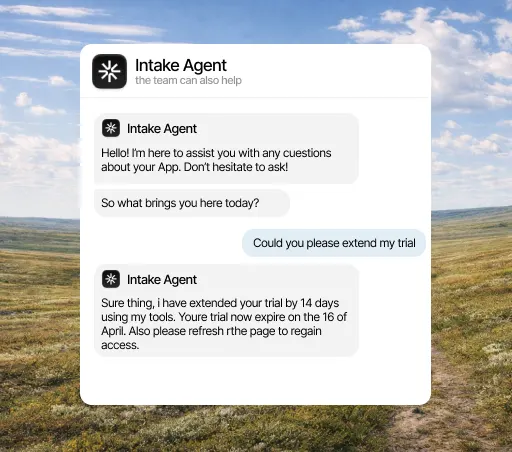
No support tool is going to build an integration with the internal system you developed yourselves. Make fills exactly that gap: the agent works with your system without anyone having to build a custom integration or maintain it afterward.
What it does
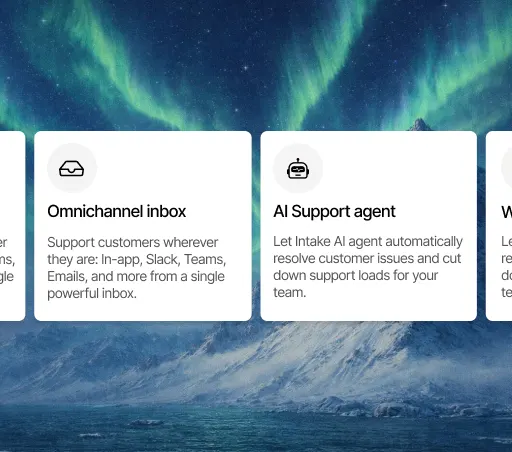
What counts in an integration is what it lets the agent do. This is the data Make brings and what the agent does with it on its own.
When it acts
What it can do
Three concrete things that change your team’s day.
Sync plan, settings, usage or key events from tools that have no dedicated integration.
Create tasks, alerts or updates when the AI agent detects that a person is needed.
Connect flows without requesting a custom integration for every piece of data the agent needs.
Three steps, and only the first needs a Make admin. You can change the rest later without reconnecting anything.
Open the integrations panel, pick Make and authorize access with the account your team already uses. You need admin rights in Make, so if you don’t have them, this is the only step you’ll have to ask someone for.
Select the channels, events and account fields it can access. Anything you don’t select stays hidden from it, and you can change it anytime without reconnecting.
From the first conversation, the agent checks that data before replying, resolves what it can close on its own and hands the rest to a person, with the case already prepared.
A few minutes. You authorize access and choose what it can see; nothing needs rewriting and no development work is needed to start.
Yes, from either side: by revoking the connection in Intake or removing the permission in Make. The agent stops reading that data right away and keeps answering with everything else.
No. Every integration is included in the plan, from €49 a month. There are no add-ons to buy and no per-call charges.
The agent answers with what it does have and, if the question depended on that data, hands the conversation to a person and explains why. It never makes up data it couldn’t look up.
No. In Make you build visual scenarios to pass useful data to the AI agent.
New conversation, resolved ticket, tag added, account changes or any product event you want to connect.