
Gleap alternative without billing AI by tokens consumed
Compare Gleap with Intake if your team keeps answering the same questions and the answer depends on each customer's data.
In short
Intake or Gleap?
Gleap fits if what you lack is users reporting bugs from inside the app, with a screenshot and repro steps: it does that better than we do. Intake fits if you want to budget the month: Gleap bills AI by tokens, so the cost depends on how much your customers write, and here it is 200 conversations for 49 EUR a month on annual billing.
Trusted by teams at:








- and 20+ more companies
Three reasons to look for a Gleap alternative
They weigh most when the team is small and the answers depend on each customer’s data.
Collecting requests is not resolving tickets
One tool orders what to build; the other stops the team answering the same thing twice. They are two different jobs, and this one does the first.
The roadmap does not answer who asks today
Someone writing about their plan, permissions or invoice wants an answer that takes their account into account, not a vote on an idea.
Without account state, the question reaches the team
Feedback can be perfectly triaged and the specific question still ends up with a person.
Receiving the question is easy. The hard part
is resolving it.

How do I invite someone to the team?

Where can I change the billing details?

Can someone help me set this up?

I cannot access the dashboard.

Why do I not have permission for this?

The integration is throwing errors.

Is this included in my current plan?

How do I connect this to Slack?

Can you explain how this flow works?

Can I change the billing contact?
The difference is in the questions that repeat. With Gleap, the ones that depend on each customer’s data usually end up with someone on your team. Intake answers them by checking that data and passes to a person only what it cannot resolve.
Having your conversations organized helps, but it does not close them. What matters is how many a person still has to answer.
01
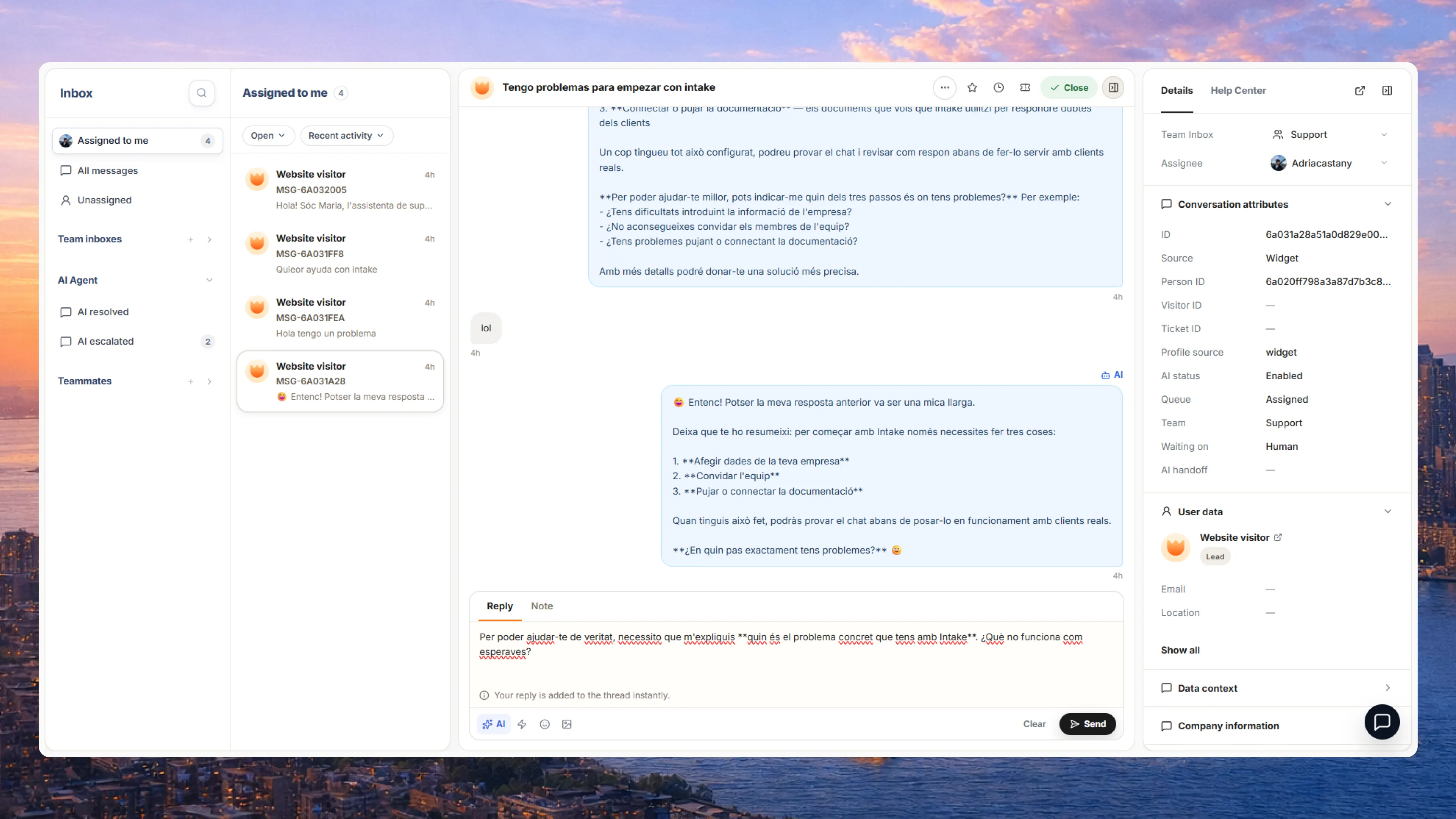
Checks the account before answering
Before replying, the agent looks at that customer’s plan, settings, usage and history, as well as your documentation.
See the inbox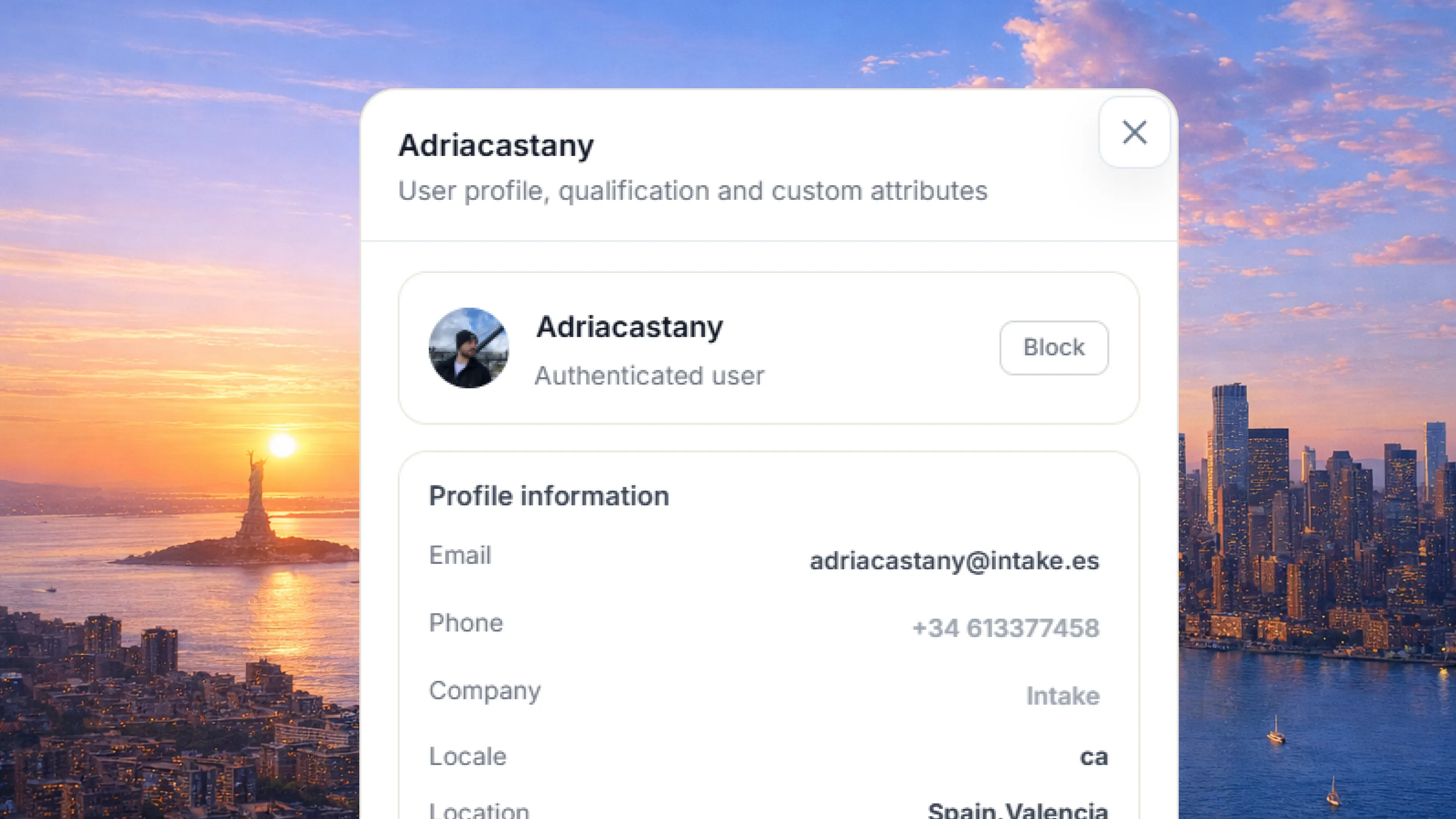
02
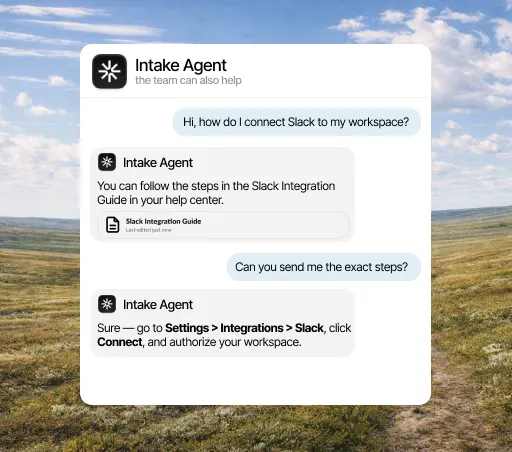
Gets the task done in the conversation
Connected to your API, the agent does what the customer asks, like extending a trial or changing a plan, instead of explaining how.
See actions03
Passes to a person what it cannot resolve
The conversation reaches your team with the history, the account data and an internal note on what has already been tried.
See the handoff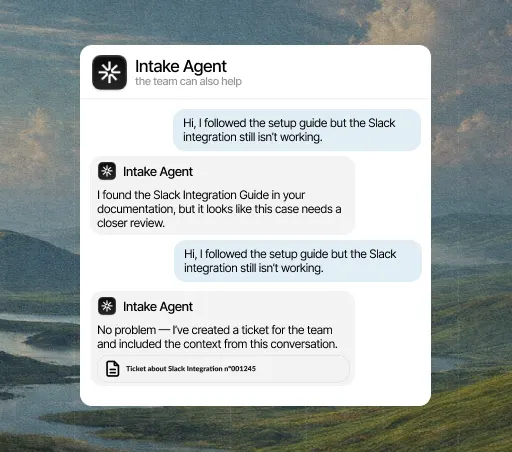
The decision
When switching pays off
It pays off if your team answers the same questions every week and the answer depends on each customer's data: their plan, their invoice, their order. If that is not you, Gleap still does the job and there is no reason to replace a tool that works. To find out, look at how much of your queue repeats. A ten-day trial with no card is enough to see it.
See pricing
Comparison
Intake and Gleap, point by point
Row by row, from what Gleap publishes on its own site. Each row is a sentence, because a yes or no rarely tells you enough.
| Criterio |  Intake Intake | |
|---|---|---|
| What it is used for | Sí: Resolving each customer request. | No: Collecting issues from inside the app: bug reporting with screenshots, feedback, surveys and product tours, plus support. |
| What you pay for | Sí: A flat plan by conversations: 200 a month for 49 EUR on annual billing, 800 for 129 EUR and 2,000 for 289 EUR. No seats. | No: The workspace, not the seat: $49/mo Starter, $149 Team, $299 Pro and from $999 Enterprise, billed annually. From Team up, seats are unlimited. |
| How the AI is counted | Sí: It is not. It sits inside the plan and the price does not move. | No: By tokens consumed and by the model selected. The Pro plan gets 25% off those tokens. |
| What the AI knows | Sí: That account’s plan, permissions, usage and billing. | No: What is in the issue report and in the documentation loaded. |
| When the other is the better fit | — | Sí: If what you lack is users reporting bugs with a screenshot and a repro from inside the app, Gleap does that better than we do and we will not pretend otherwise. The difference is on the invoice: billing AI by tokens means the month’s cost depends on how much your customers write, and that cannot be budgeted. |
Based on what each product publishes, as of October 2026. The row with no Intake mark is the case where Gleap is the better fit.
Depending on your case
Situation by situation, which one fits
It depends on the size of your team and the kind of question you get most. These are the usual situations, including the ones that do not favor us.
You need to prioritize what to build from customer feedback.
Gleap That is exactly what Gleap is built for.You need to resolve the customer’s question right now, not log it for later.
Intake Intake answers and acts inside the conversation itself.You want to keep the roadmap and day-to-day support separate.
Intake You can use Gleap for the roadmap and Intake for support.You want what people ask support to reach product without anyone transcribing it by hand.
Intake Intake groups the topics that repeat and drafts the article that is missing.You need to start this week, with no rollout project first.
Intake You connect the help center you already have and it answers from there. Ten-day trial, no card.
Step by step
How to move from Gleap
You do not have to switch everything at once. Start with the questions that repeat most, connect the account data needed to answer them and decide when a person should step in.
See how Intake fits SaaS teams














Your customers’ data,
in the EU and under your control.
Intake runs on AWS in the European Union and complies with GDPR. The agent only reads and does in your systems what you allow, and your team can review every answer.
- GDPR
- Data in the EU
- AWS with SOC 2
Questions about Intake and Gleap
How much does Intake cost?
A flat plan by conversations: 200 a month for EUR 49 on annual billing (EUR 59 monthly), 800 for EUR 129 and 2,000 for EUR 289. Month to month, EUR 59, 159 and 359. VAT excluded, and there is no per-seat charge.
What counts as a conversation?
One conversation thread, however many messages it takes. A customer who asks three follow-up questions in the same thread counts once.
What happens if I go over the limit?
The agent pauses until the next cycle and your team keeps answering. There is no overage charge or service cut, and the invoice does not change.
What data does the agent read?
Your documentation and the account data you expose through your API: plan, settings, usage and whatever else you decide. You choose which lookups it can make and how far it goes.
Which languages does it answer in?
It answers in the language of the question, even when the article is written in another one.
How long does it take to get running?
You connect the help center you already have and it starts answering from there. Actions against your API take a little longer because you choose what the agent can do, but nothing needs rewriting to start.
Why choose Intake instead of Gleap?
Because when your customers ask about their invoice or their permissions, a generic article does not solve it. Intake checks the data, takes the action and passes to your team what it cannot resolve.
Do I have to drop Gleap to try Intake?
No. The usual way is to keep Gleap and start Intake on the questions that repeat most. If it does not resolve them, you have lost ten days and no money.
Is there any case where Gleap is the better choice?
Yes, and the table above says which. It is usually a team with settled processes and few repeated questions. If yours is the opposite, with the same question twenty times a month and answers that depend on each customer's plan, Intake is the better fit, and the ten-day trial lets you check.
