Support tiers and service levels
Support tiers (L1, L2 and L3) split queries by difficulty.
Service levels are the deadlines committed to in an SLA. They get confused because sales proposals call both a “level”, and a customer can have a high service level without that saying anything about which support tier handles them.
Why it matters
The split exists for an economic reason.
Each tier’s time costs very differently. A ticket resolved at tier 1 costs a few minutes of whoever answers. The same ticket escalated to engineering costs the time of a more expensive profile, and it interrupts deep work on top. That is why the number to watch is how many move up a tier without needing to.
The tiers at a glance
Each tier is defined by what it takes to resolve, not by the seniority of whoever answers.
- Tier 0. Self-service, what the customer resolves alone with the help center.
- Tier 1. The known and documented. Resolved by the front line or an AI agent.
- Tier 2. What requires looking at the account or knowing the product in depth. Resolved by technical support.
- Tier 3. Bugs and edge cases. Resolved by engineering or product.
Tier 1
Questions whose answer is written down.
How to do something, where an option lives, what a message means. It is the tier that absorbs the most volume and the one that automates best, because the answer does not depend on who is asking.
Tier 2
Cases that need the specific account opened.
Why this customer cannot do something everybody else can, why they were charged that amount, why that integration stopped syncing. This is where the time goes in a SaaS, and where a bot that only reads documentation is no help.
Tier 3
Product bugs, edge cases and things nobody had seen.
It should be a very small minority. If it grows, the problem lies in the product, which is failing, or in the documentation, which does not cover what people do with it.
Escalation on teams without tiers
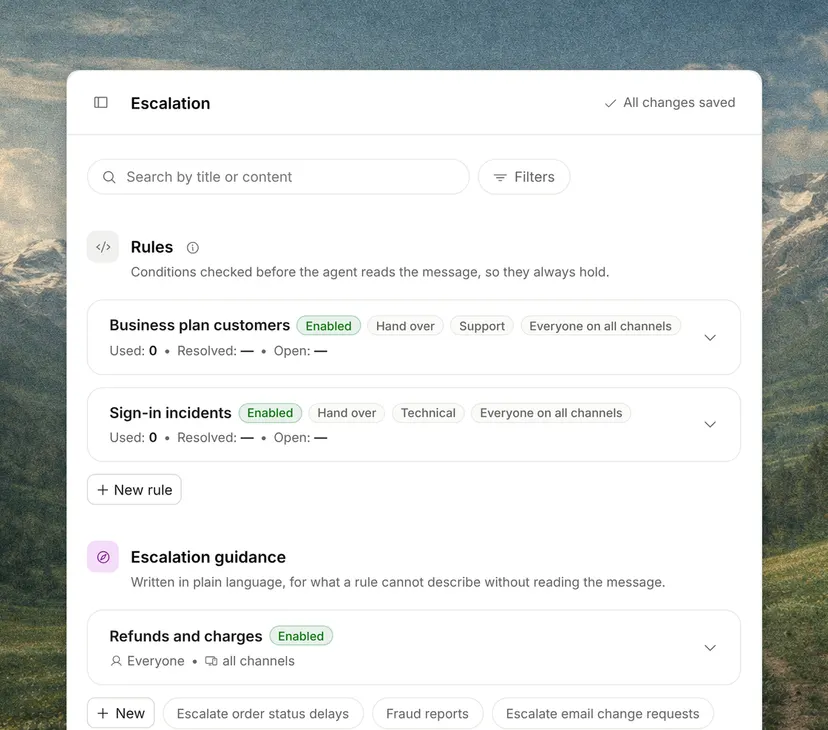
On a team of three, all three tiers are the same faces, but the distinction is still useful as a way to measure.
Classifying questions by tier for a month tells you exactly where the cost sits, and it usually surprises.