Customer portal and help centre
The help centre is public and says the same to everyone.
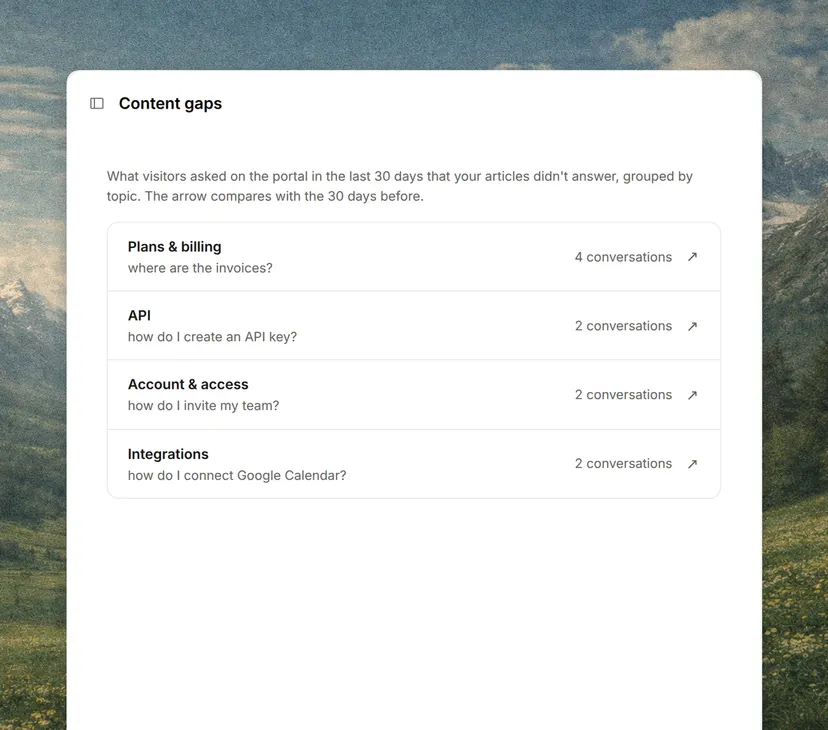
The customer portal requires signing in and shows what belongs to that customer only, such as their cases or invoices. Many companies present them together, with the articles in view and the private part behind the login.
Why it matters
A good share of what reaches support is questions about the customer’s own data, such as the status of a case or where an invoice is.
A portal answers those without a conversation. What it does not avoid is the question that needs that data interpreted, which is why it works best alongside an agent that can look it up too.
What it usually includes
A customer portal gathers what customers ask about themselves.
- Their requests. Open ones, their status and the history of closed ones.
- Their account. The plan, the users and contact details.
- Their billing. Invoices, payments and tax details.
- Their documents. The contract, reports and deliverables.
- Help. The articles and the way to open a new request.
Portal, help centre and AI agent
All three are self-service and answer different questions.
| Help centre | Customer portal | AI agent | |
|---|---|---|---|
| Answers | How something works | What the customer’s data is | Both, in a conversation |
| Access | Public | Signed in | Depends on the channel |
| The customer | Searches and reads | Signs in and looks up | Asks |
When it pays off
A portal pays off when questions about a customer’s own data keep repeating and that data already lives in a system.
If the portal has to be built and then kept current by hand, it goes stale within months and customers go back to writing in.