On this page
Knowledge base and help center
The knowledge base is the content; the help center is the site where it is published, with its search and its navigation.
They get used interchangeably and it rarely matters, except when comparing tools. Some sell the first and some the second, and the price is not the same.
Why it matters
It is the only support investment that pays for itself over time, because a well-written article answers an unlimited number of times.
It is also the foundation any automated agent stands on. An AI system cannot answer better than what is written, so documentation quality sets the ceiling.
Types of knowledge base
There are two, and since AI agents started answering both have a third reader, the system that searches them to write the reply.
That is why the internal one also has to make sense without context.
- External. The one customers read, published in a help center.
- Internal. The team’s own, with procedures, special cases and what should not be published.
What articles it includes
Four kinds of article cover almost everything.
For example, “How to change the account email”, “The verification email is not arriving” or “What happens to my data if I cancel”.
- Guides on how something is done, step by step.
- Fixes for known problems, with the error message as the customer sees it.
- Frequently asked questions about billing, account and policies.
- Reference, meaning the limits of each plan, the settings and the integrations.
How to build one
Start from the conversations, not from the table of contents.
- Pull the questions that repeated most over the last few months.
- Write one article per question, in the customer’s words.
- Group them into a few categories.
- Publish it with search.
- Review each article when the part of the product it covers changes.
How it is measured
With searches that return nothing, which say what is missing.
With the rating on each article, which says which one does not help even though it exists. And with the conversations that arrive right after reading an article, which point to the one that gets read and does not resolve. The number of articles measures nothing.
Title it the way the customer would
If you call it "retention policy" and the customer types "how long do you keep my data", the article has to be called the second thing.
It is the most common mistake and the most expensive. The article exists, it is correct, and nobody finds it.
What a knowledge base cannot answer
Anything that depends on the specific account.
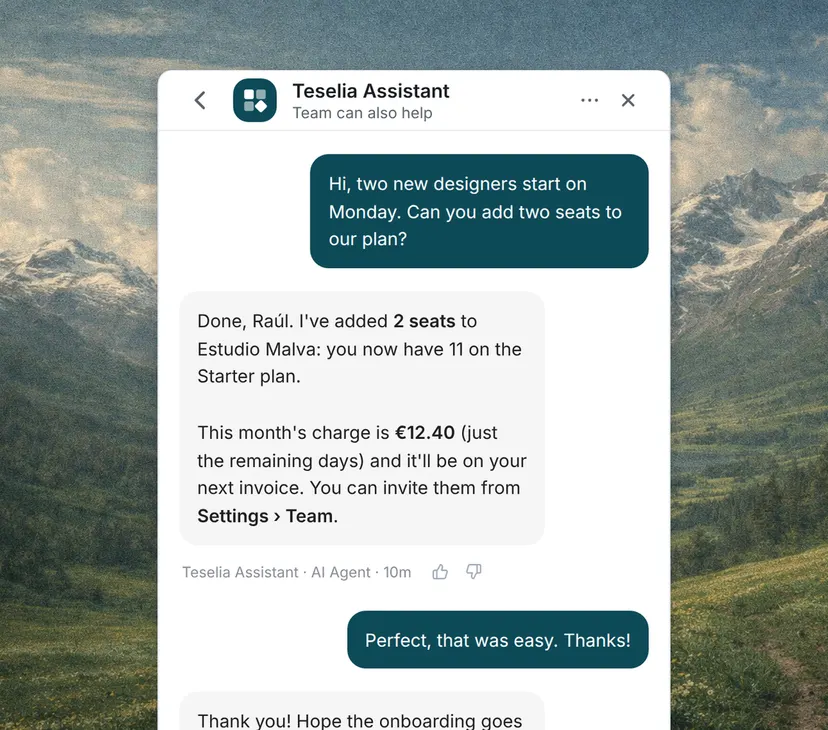
"How many seats do I have left?" cannot be answered with an article, because it changes depending on who is asking. Writing more articles does not reduce those questions, and confusing the two types is what makes a documentation project disappoint.
Maintaining it
An out-of-date article is worse than none, because the customer acts on what it says.
Tying review to product changes is the only thing that works over the medium term; calendar reminders do not.
What to document first
Ordered by frequency times cost, not by frequency alone.
A question that comes up five times a month and ends at engineering costs more than one that comes up fifty times and is answered in two minutes.